Beyond the Chair: 6 Humanscale Accessories That Complete Your Ergonomic Workspace
A great chair is just the start—desk, monitor, wrist, and feet matter too.
By the Furniblog Editorial Team·July 9, 2026·7 min read
Your Chair Is Just the Beginning
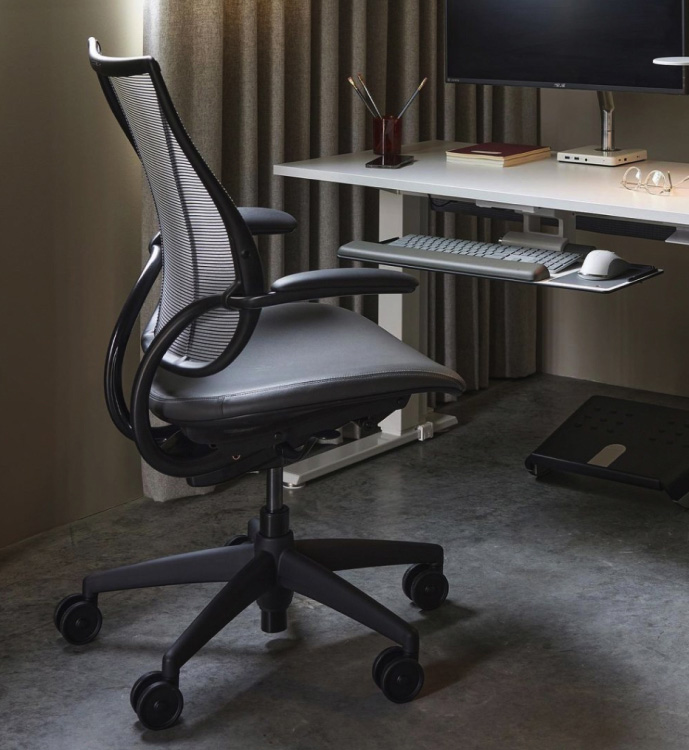
You've invested in a high-end ergonomic chair—maybe a Humanscale Freedom, a Steelcase Gesture, or a Herman Miller Aeron. But if your neck, wrists, and eyes still feel tired after long work sessions, the chair isn't the problem.
Even the best task chair can't compensate for a monitor that sits too low, a keyboard that forces your wrists to bend, or a desk height that doesn't match your body. True ergonomics requires a workspace system—not just a seat.
That's where Humanscale comes in. Founded in New York in 1983, Humanscale pioneered the articulating keyboard tray and has since become the world leader in ergonomic workspace accessories. The company's philosophy is simple: design tools that adapt to people, not the other way around.
Why Workspace Ergonomics Matter as Much as Your Chair
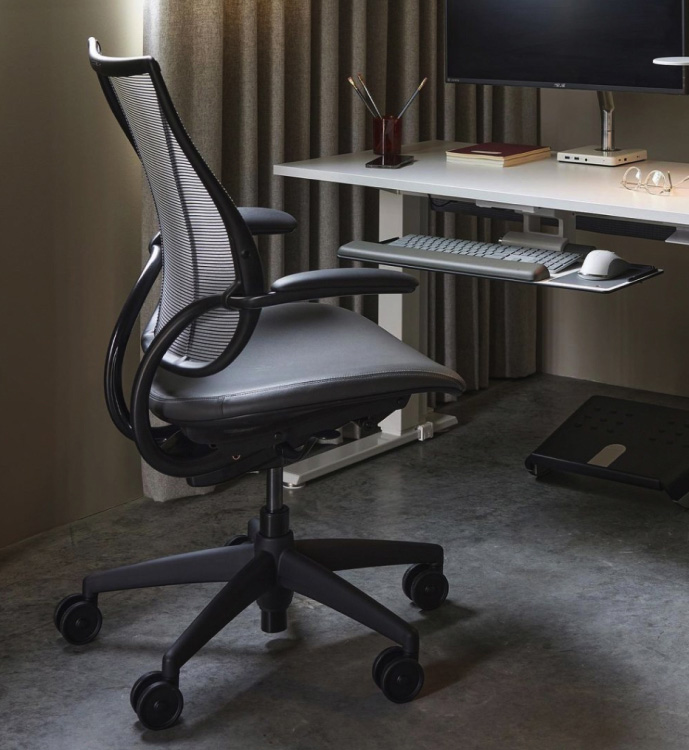
No matter how adjustable your chair, the rest of your setup can undo its benefits:
Desk too low? Your shoulders roll forward.
Monitor too low? You crane your neck, inviting forward head posture.
Keyboard flat on the desk? Your wrists bend upward, stressing tendons.
Computer tower under your feet? You lose legroom and proper posture.
Humanscale addresses each of these gaps with accessories engineered to the same exacting standards as premium office chairs. Below are six core products that transform a good chair into a complete, ergonomically sound workstation.
6 Humanscale Accessories That Complete Your Desk Setup
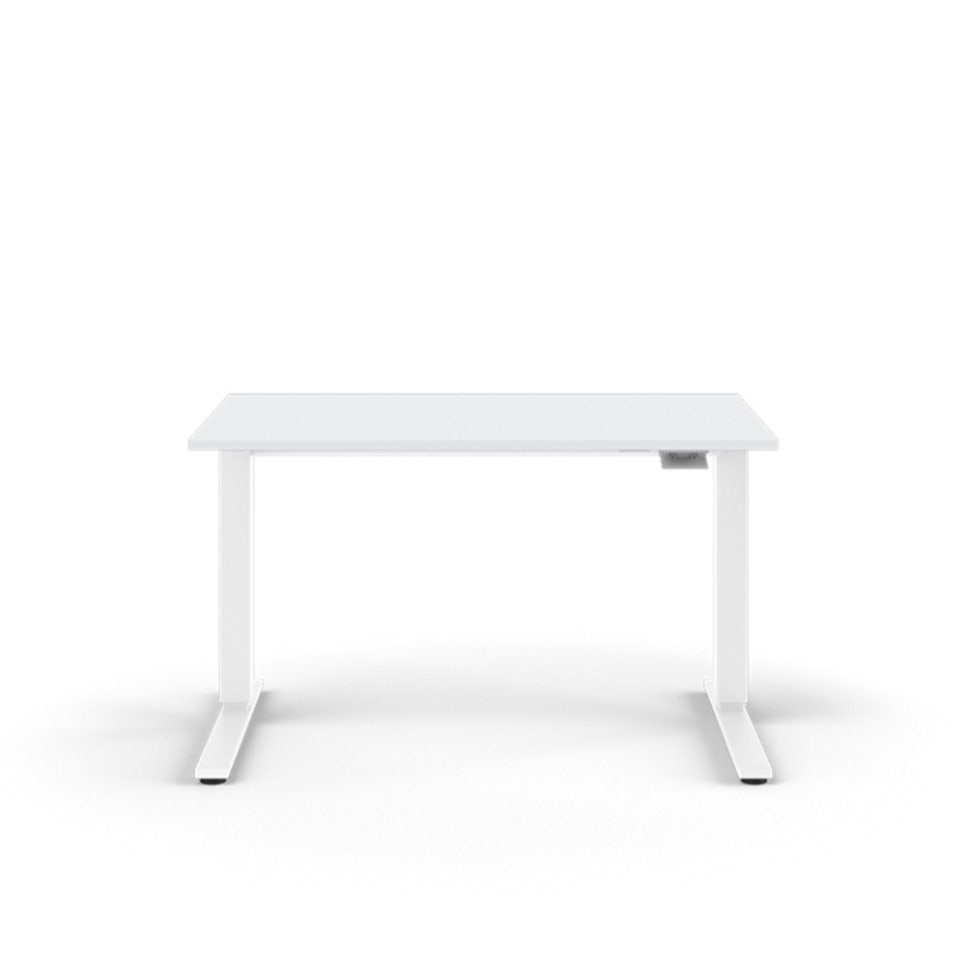
1. Float Table – The Spring-Balanced Sit-Stand Desk
Most sit-stand desks rely on noisy electric motors or hand cranks. The Humanscale Float Table uses a patented counterbalance mechanism instead: a single lever lets you raise or lower the desktop with one hand, instantly and silently. There's no motor to break, no crank to turn—just effortless height adjustment that feels like the desk is floating.
Key features:
No power required: Spring counterbalance adjusts smoothly from approximately 27" to 47" (68.5–119 cm)—a 20" range covering sitting and standing heights
Open frame design: No crossbar means full legroom and freedom to shift positions
Sustainable: Made in the USA with recycled steel and aluminum; formaldehyde-free tops; Living Product certified
eFloat option: An electric version is also available for push-button convenience
2. eFloat Electric Desks – Quiet, Smart, Safe
If you prefer electric height adjustment, Humanscale's eFloat line (Go 2.0, Next, and Lite) delivers premium motor-driven sit-stand performance without the noise, wobble, or collision risk common in budget models.
Key features:
Anti-collision sensors: Desk stops or reverses when it detects obstacles
Near-silent motors: Custom actuators run quietly, even in shared or home offices
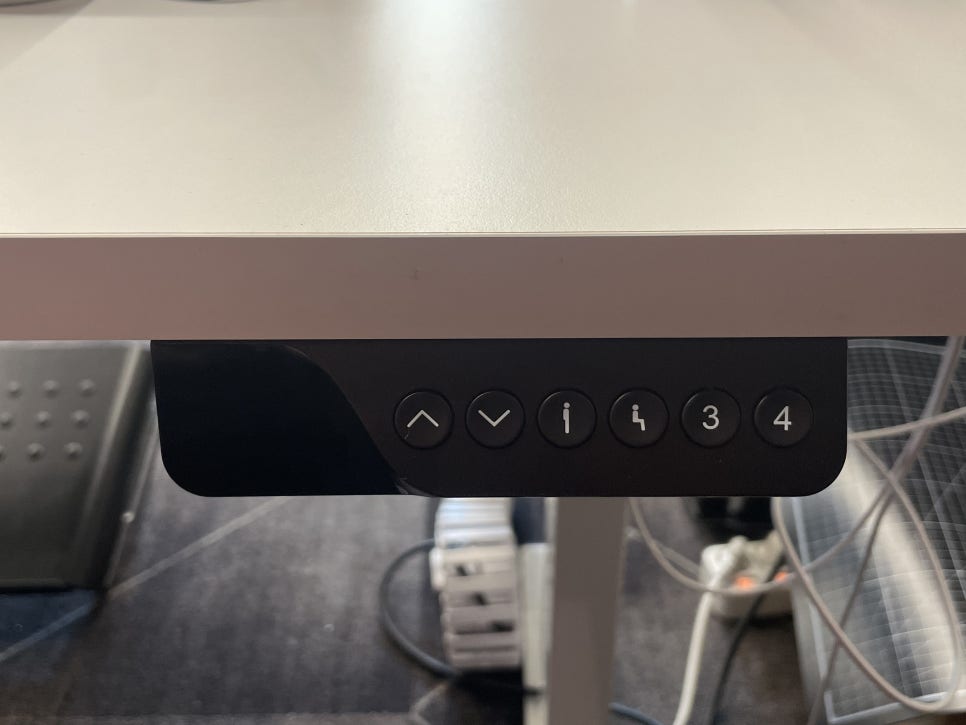
Memory presets: Digital handset stores up to four height positions; includes USB-A and USB-C charging ports
Height range: ~27" to 48" (68.5–122 cm); some models support dual or triple-leg configurations and extended weight capacities
BIFMA LEVEL 2 certified: Tested for safety, durability, and environmental impact
3. Monitor Arms – Lift Your Screen, Save Your Neck
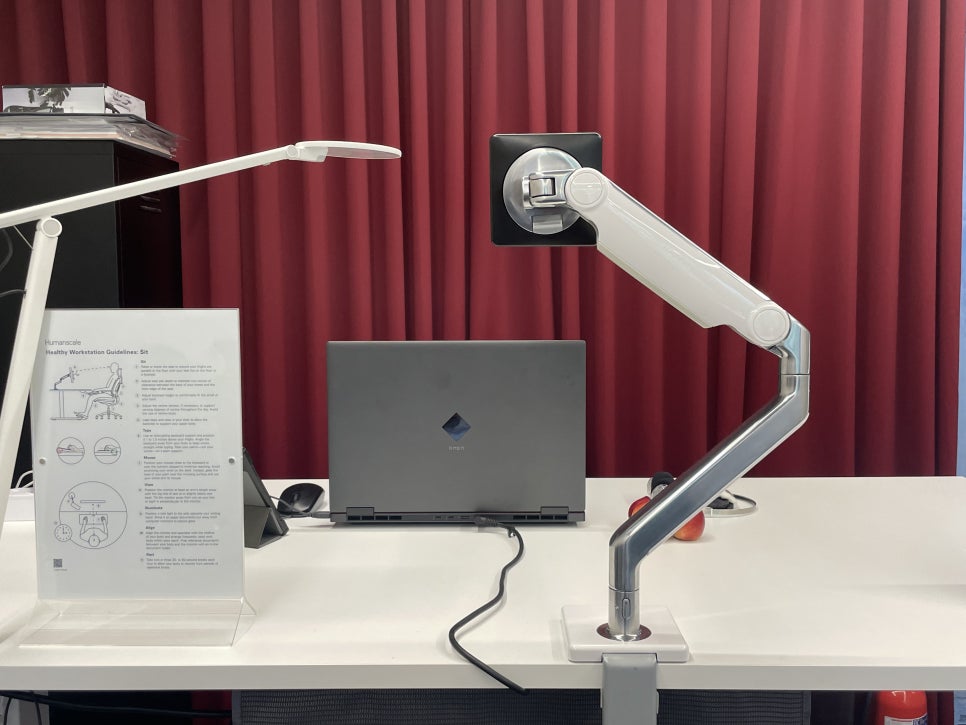
Placing your monitor directly on the desk forces you to look down, encouraging forward head posture and neck strain. A monitor arm lifts the screen so the top of the display sits at or slightly below eye level, freeing up desk space and promoting a neutral neck position.
Humanscale's monitor arms (M2, M8, and M/Flex) are used by 98% of Fortune 500 companies. Unlike gas-spring arms that sag over time, Humanscale's mechanical counterbalance design uses fewer moving parts, resulting in slimmer profiles, longer lifespan, and rock-solid positioning.
Key features:
Tool-free adjustment: Grip and move the screen; it stays where you put it
M2: Supports ~4–20 lbs; ~20" reach and ~10" height adjustment—ideal for single monitors up to 30"
M8: Handles larger, heavier displays
M/Flex: Modular system supporting up to six monitors
15-year warranty: Industry-leading coverage reflects the durability of mechanical engineering
4. Keyboard Systems – Restore Neutral Wrist Posture
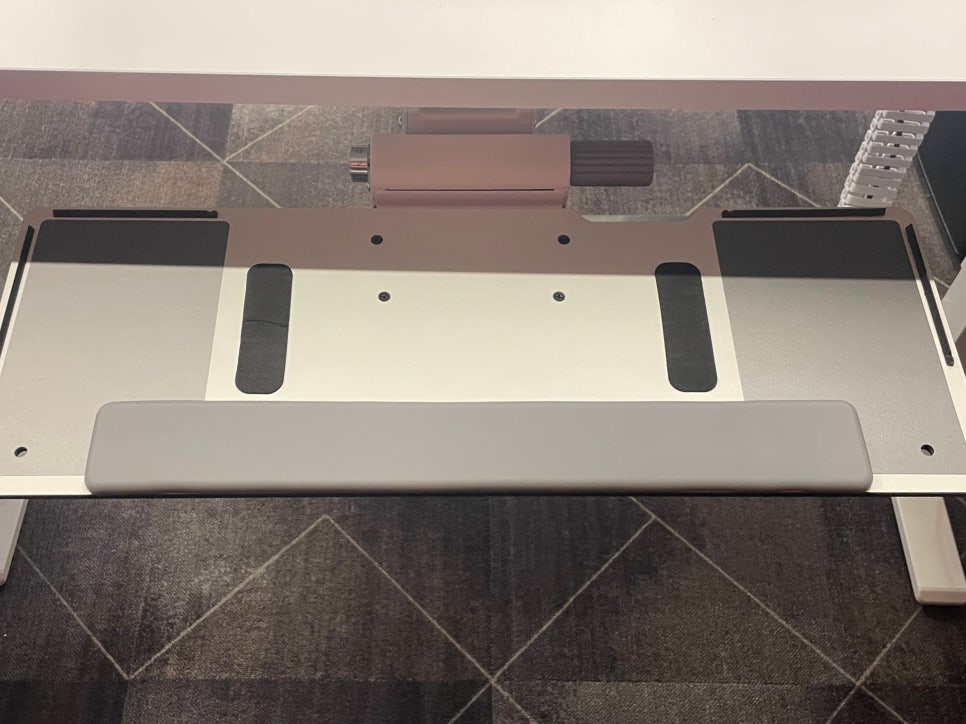
Typing on a flat keyboard forces your wrists into extension—an awkward angle linked to repetitive strain and carpal tunnel syndrome. Humanscale's articulating keyboard trays, the product category the company pioneered in 1983, tuck under your desk and tilt down up to 15°, letting your hands and wrists stay in a relaxed, neutral position.
Key features:
Negative tilt mechanism: Allows up to 15° downward slope for natural wrist alignment
Full retraction: Tray slides under the desk when not in use, clearing desktop space
Palm rest options: Choose foam, gel, or slim gel for personalized comfort
Integrated with Float: Float Table–compatible trays adjust height along with the desk
5. CPU Holder (CPU600) – Get Your Tower Off the Floor
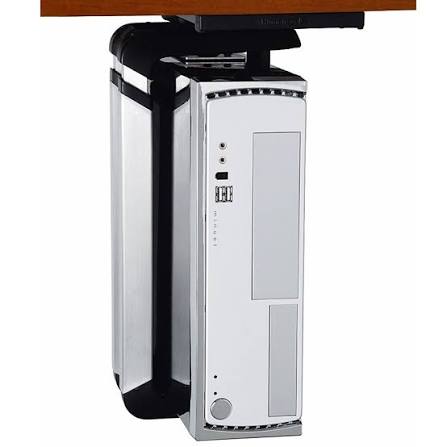
Desktop towers left on the floor collect dust, risk kicks, and inhibit airflow. Placed on the desk, they eat up valuable work surface. The CPU600 holder suspends your computer beneath the desk, protecting it, improving cooling, and freeing both floor and desktop space.
Key features:
360° rotation: Spin the tower for easy cable and port access
50 lb capacity: Steel and aluminum construction supports towers up to 22.7 kg
Tool-free Quick Track mount: Installs without drilling into the tower
Better thermals: Suspended position promotes air circulation and cooling
6. Nova Task Light – Reduce Eye Strain and Glare
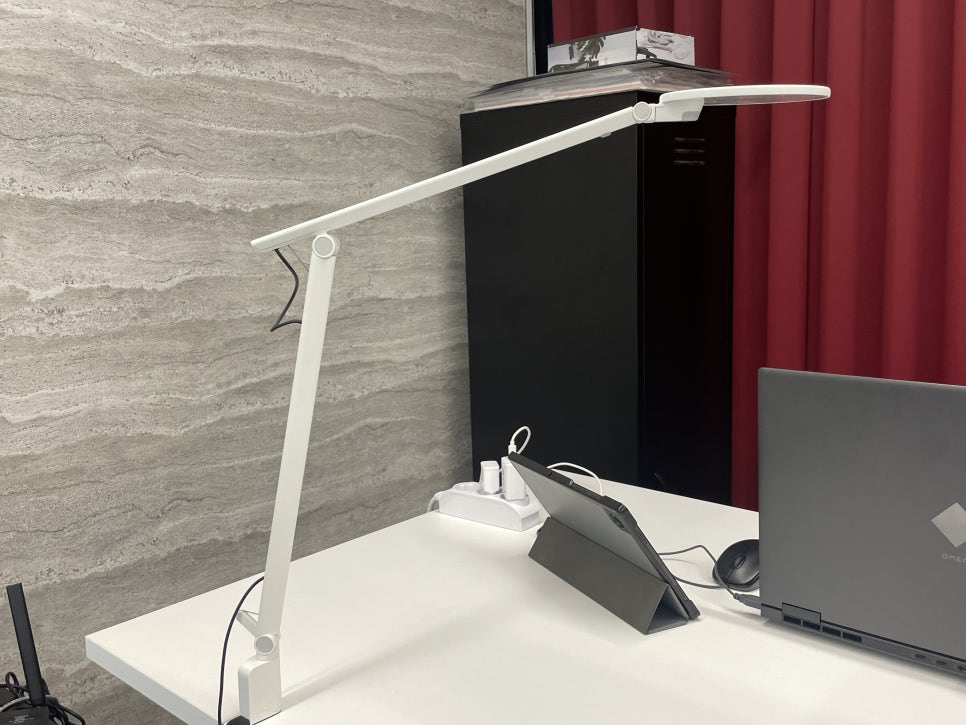
Staring at a bright monitor in a dim room forces your eyes to constantly adjust, accelerating fatigue. The Humanscale Nova task light provides glare-free, even illumination across your desk surface at a color temperature and brightness that reduce screen reflection and reveal true colors.
Key features:
Forever Hinges: Constant-torque joints hold position for a decade without sagging
Touch dimming: Adjust brightness from 14% to 100%; light remembers your setting
Occupancy sensor: PIR motion detection turns the light off when you step away
Energy efficient: 7W LED delivers 440 lumens; rated for 50,000 hours
Wireless charging base option: Includes two USB ports for device charging
10-year warranty and ENERGY STAR certified
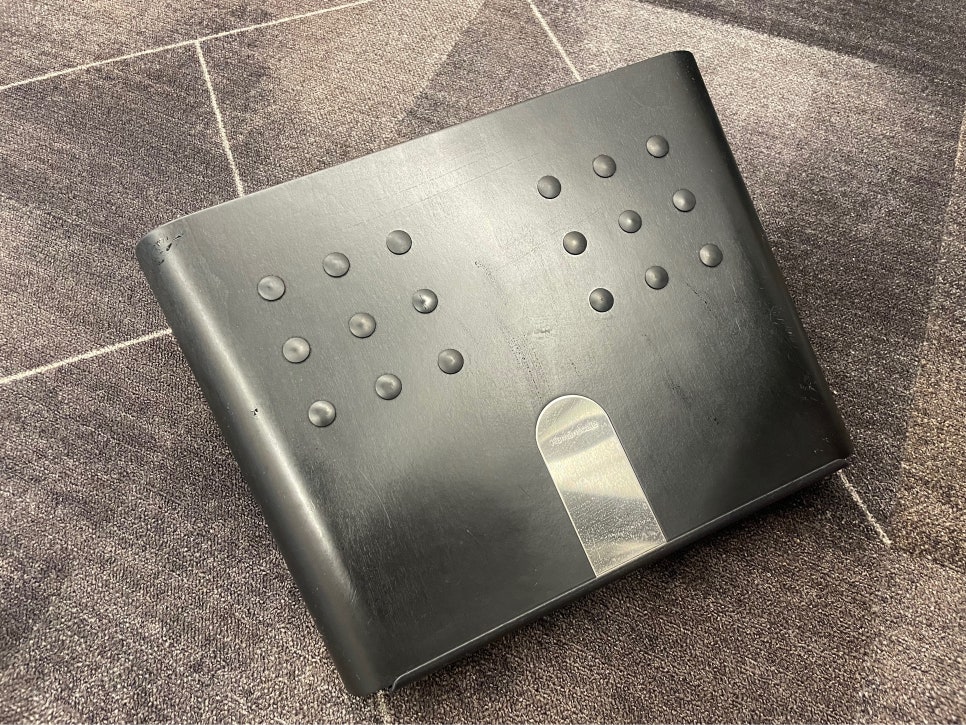
Bonus: FM300 Footrest – Support Your Legs
If your chair is too high or your legs are short, your feet may dangle, compressing the backs of your thighs and restricting circulation. A footrest raises the floor to meet your feet, relieving pressure and encouraging subtle leg movement.
Key features:
Rocker design: Lets you rock your feet gently, promoting micro-movements and circulation
Reduces thigh pressure: Supports feet when they don't comfortably reach the floor
Compact and durable: Some models include textured surfaces for a light massage effect
Why Humanscale?
Humanscale's accessories share a common design ethos with the best ergonomic chairs: they prioritize long-term durability, minimal adjustment complexity, and environmental responsibility.
Mechanical over motorized (where possible): Fewer breakable parts mean longer life and less e-waste.
Extended warranties: 15 years on monitor arms, 10 years on task lights—unheard of in the accessory category.
Sustainability certifications: Living Product, ENERGY STAR, BIFMA LEVEL—Humanscale meets the same environmental standards as Steelcase, Herman Miller, and Haworth.
Trusted by professionals: Used in 98% of Fortune 500 offices, these aren't consumer gimmicks—they're workplace standards.
Putting It All Together: The Complete Ergonomic Workstation
A truly ergonomic workspace isn't built around a single chair—it's a system. Here's how the pieces fit:
Desk height: Float Table or eFloat adjusts to your sitting and standing postures.
Monitor height: M2 or M8 arm lifts the screen to eye level, preventing neck flexion.
Keyboard and wrist angle: Keyboard system tilts down 15°, keeping wrists neutral.
Computer placement: CPU600 clears the floor and desktop, protecting the tower and improving airflow.
Lighting: Nova task light eliminates glare and reduces eye strain.
Foot support: FM300 footrest ensures your feet rest comfortably, reducing thigh pressure.
The chair: Humanscale Freedom, Diffrient World, or another premium task chair ties it all together with dynamic lumbar support and intuitive recline.
Final Thoughts: Invest in the Whole Workspace
If you've already invested in a high-quality ergonomic chair—whether it's a Steelcase Leap V2, Herman Miller Embody, or Haworth Fern—the next step isn't another chair. It's completing the environment around that chair.
Humanscale's accessories are designed to work as an integrated system, addressing every dimension of seated and standing work: desk height, screen position, wrist angle, foot support, and lighting. Together, they eliminate the hidden sources of discomfort that even the best chair can't solve on its own.
Because ergonomics isn't just about where you sit—it's about how your entire workspace supports your body, all day long.
Furniblog may earn a commission from links in this post, at no extra cost to you. See our affiliate disclosure.