Bought a Herman Miller Aeron and Your Back Hurts? Understanding Chair "Adjustment Pain" and Proper Setup
Why high-end ergonomic chairs can cause discomfort at first—and how to fix it
By the Furniblog Editorial Team·July 10, 2026·5 min read
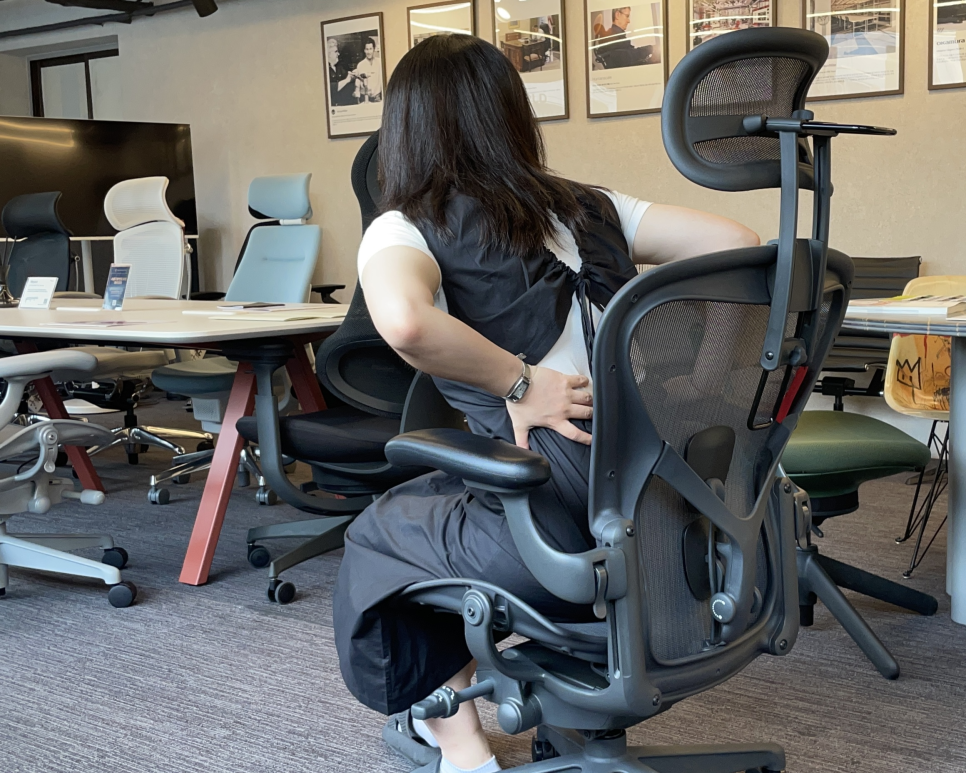
The $2,000 Chair Paradox: Why Premium Ergonomic Chairs Can Hurt at First
You've just invested in a top-tier ergonomic chair—a Herman Miller Aeron or Steelcase Leap V2—and suddenly you're experiencing back pain, leg numbness, or shoulder tension that wasn't there before. It's a surprisingly common complaint that leaves many new owners wondering if they've made an expensive mistake.
In most cases, the chair isn't defective. What you're experiencing is often called "adjustment pain" or adaptation discomfort—your body's response to being placed in proper alignment for the first time in years. But not all pain is normal, and the difference between healthy adaptation and a genuine fit problem is critical to understand.
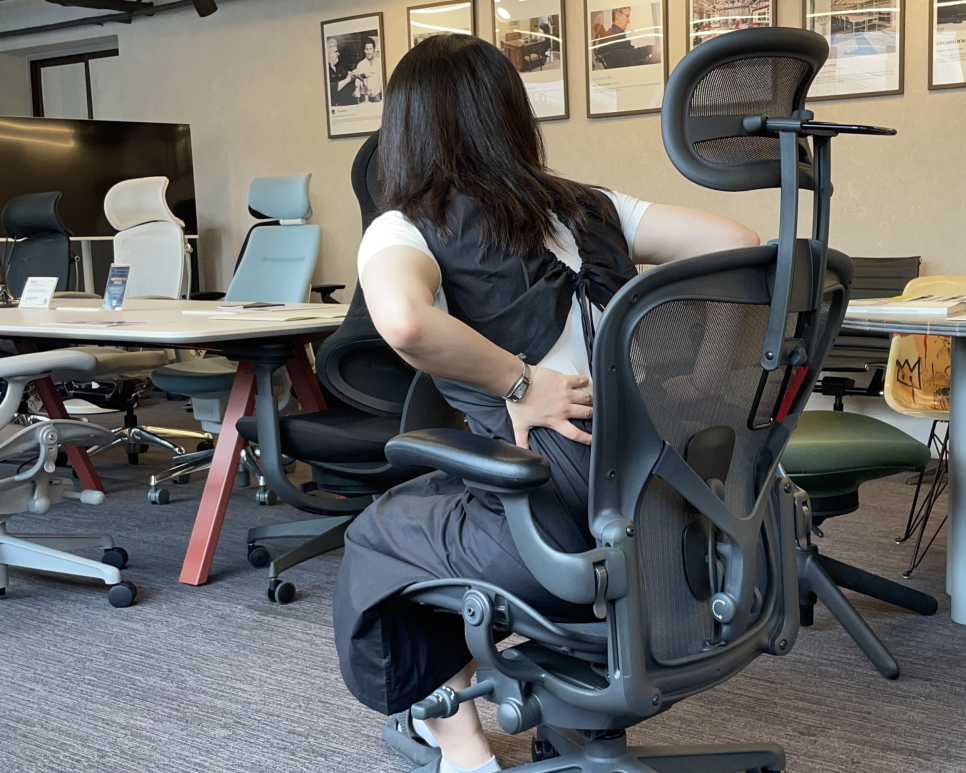
Three Common Pain Points and Their Causes
Case 1: Lower Back Discomfort – The Posture Correction Effect
Standard office chairs and plush gaming seats allow your pelvis to tilt backward (posterior pelvic tilt) as you slide forward in the seat. This flattens your spine's natural lumbar curve, creating the infamous "slouched" posture. While this feels comfortable initially—your muscles are essentially doing nothing—it places significant stress on your spinal discs.
Classic spinal biomechanics research by Alf Nachemson and others found that sitting without back support can increase disc pressure to approximately 1.4 times that of standing. Slouching forward increases it further. While more recent studies have nuanced these figures, the directional finding remains consistent: poor sitting posture loads the spine.
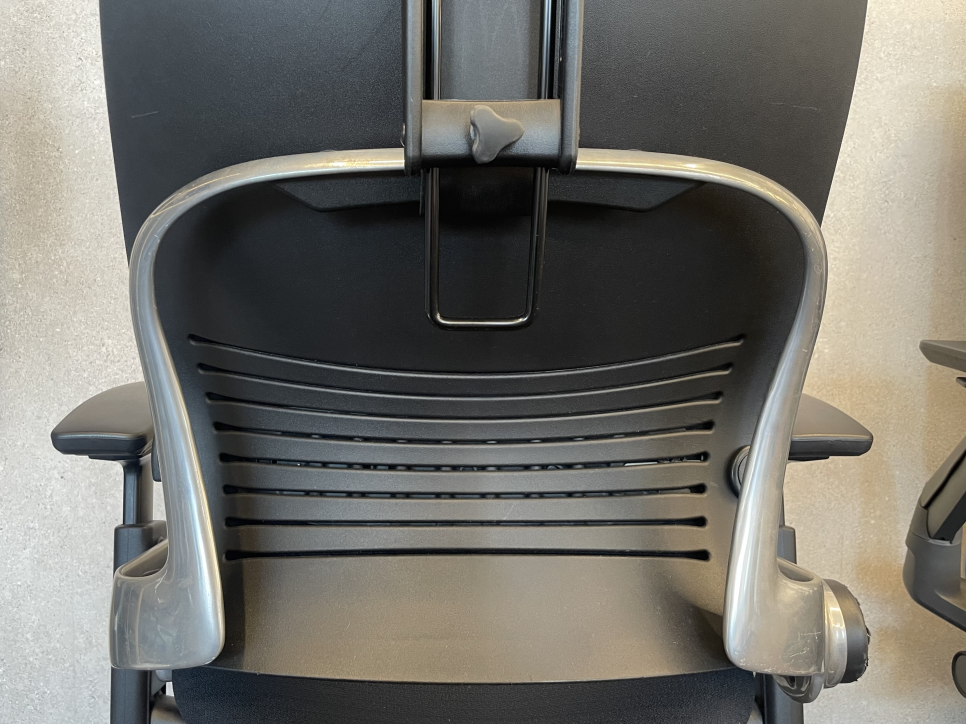
High-end ergonomic chairs take a different approach. The Aeron's PostureFit SL system doesn't just push on your lower back—it supports your sacrum (the base of your spine) to rotate your pelvis forward, actively restoring your spine's natural S-curve. The Steelcase Leap's LiveBack flexes with your spine while maintaining lumbar support throughout your range of motion.
This is where adaptation pain appears. Postural muscles—your spinal erectors and multifidus—that have been slack and underused for years are suddenly activated and working. It's essentially delayed-onset muscle soreness (DOMS) from "postural exercise" you didn't know you were doing.
The bottom line: Initial lower back discomfort is typically muscle adaptation pain, similar to soreness after starting a new workout routine. For most users, this subsides naturally within one to two weeks as the supporting muscles strengthen.

Case 2: Thigh and Leg Numbness – Seat Pan Pressure Points
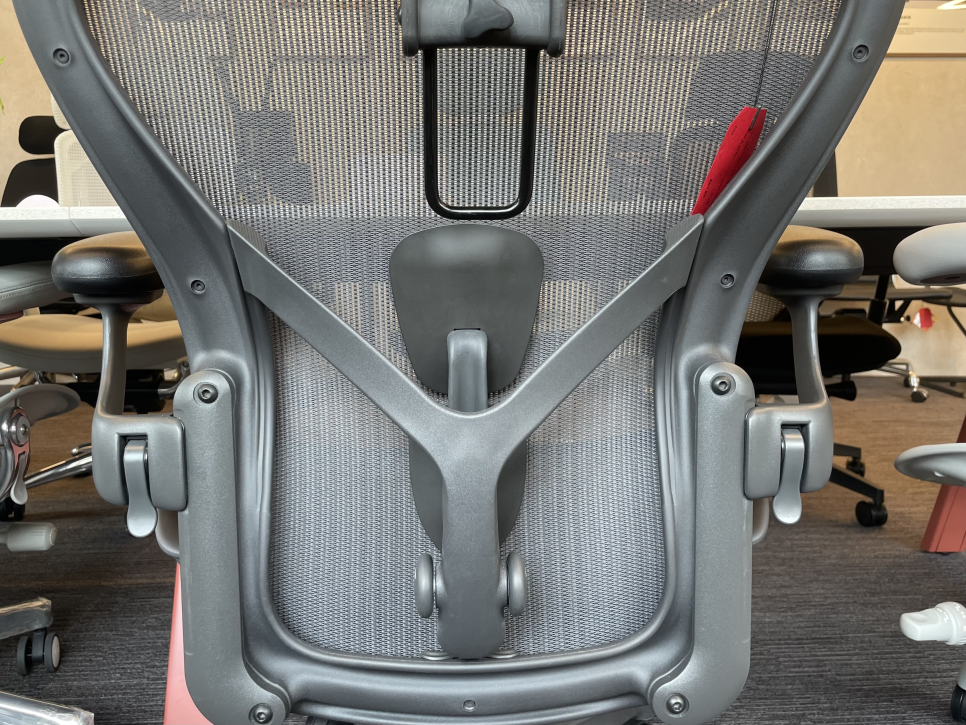
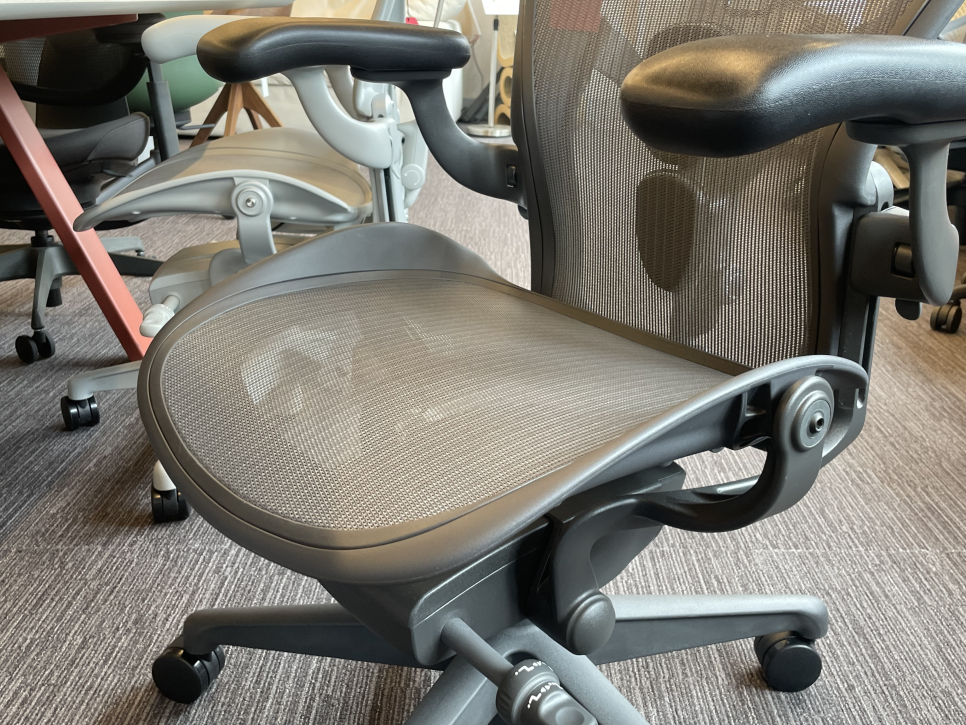
Leg numbness and tingling are particularly common among Aeron users, related to the chair's distinctive full-mesh Pellicle suspension design. To keep the mesh taut, the Aeron uses a firm plastic frame around the seat pan perimeter.
The problem: If your chair height is too high (feet dangling) or the seat depth is too long for your thighs, this hard front edge can press into the popliteal area behind your knees. This compresses blood vessels and nerves passing through the area, causing numbness, tingling, and hamstring discomfort.
This isn't adaptation pain—it's a setup error that needs immediate correction.
Proper Seat Pan Setup Checklist:
Seat depth: With your back against the backrest, there should be 2–3 finger widths (3–5 cm) of clearance between the front seat edge and the back of your knees
Seat height: Feet should rest flat on the floor with knees at approximately 90 degrees
If your desk is too high: Use a footrest to support your feet and reduce thigh pressure rather than raising the chair excessively
Case 3: Shoulder and Neck Tension – Armrest Misalignment
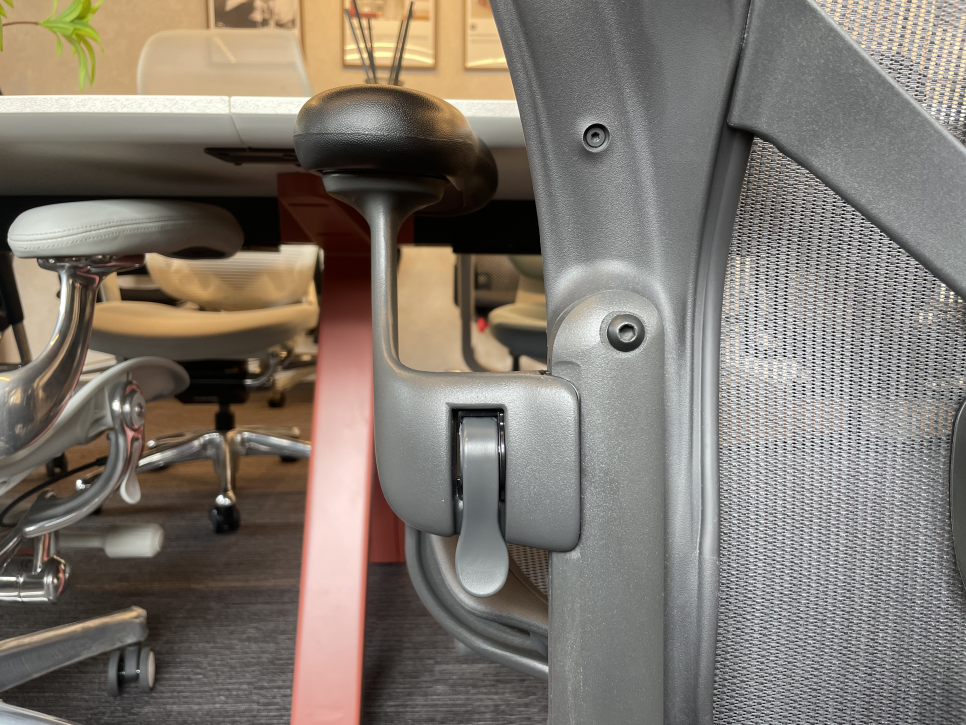
Premium chairs feature 3D or 4D adjustable armrests (height, width, depth, angle), but many users never properly adjust them—and pay the price in upper body pain. Your arms represent roughly 10% of your body weight, and where that weight is supported dramatically affects your shoulders and neck.
Armrests too high: Your shoulders shrug upward, keeping your upper trapezius and levator scapulae muscles in constant tension. This creates the "I slept wrong and can't turn my neck" feeling.
Armrests too low or unused: The full weight of your arms hangs from your shoulders and neck, exacerbating forward head posture and cervical strain.
Correct Armrest Height:
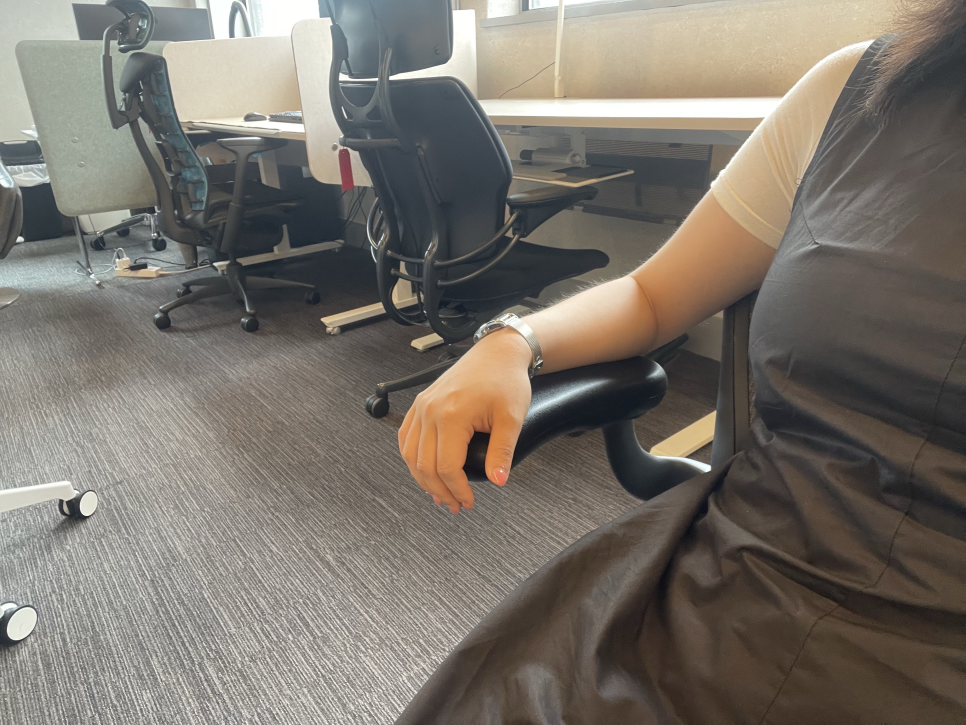
Let your shoulders relax completely in a natural, dropped position
Bend your elbows to approximately 90 degrees
Adjust armrests so they just "kiss" your forearms at this position—no shoulder lifting, no arm floating
When typing, your forearms should rest lightly on the armrests with shoulders still relaxed
Again, this is a fit issue, not adaptation pain.
When to Stop: Pain That Signals a Problem
Not all discomfort is healthy adaptation. Stop using the chair and seek professional evaluation if you experience:
Radiating pain: Sharp, shooting pain extending down your legs or arms, accompanied by numbness, tingling, or loss of sensation
Acute, stabbing pain: Sharp, localized pain rather than general muscle soreness
Worsening symptoms: Pain that intensifies rather than gradually improves after two weeks
Non-recovering pain: Discomfort that doesn't improve with rest and begins affecting daily activities
Disclaimer: This article provides general ergonomic guidance and is not medical advice. Persistent or concerning pain warrants evaluation by a qualified healthcare provider such as an orthopedist or physiatrist.
Before You Sell: Get a Proper Fitting
High-end ergonomic chairs are precision instruments, not simple furniture. A few millimeters of height adjustment or one click of lumbar depth can mean the difference between comfort and misery.
The Herman Miller Aeron, Steelcase Leap V2, Herman Miller Embody, and other premium chairs offer extensive adjustability—but only deliver their benefits when properly configured for your body.
If you're experiencing persistent discomfort with a premium ergonomic chair, the issue is more often setup than selection. Consider consulting with an ergonomic specialist or visiting a showroom where staff can guide you through a proper fitting session. Many "this chair doesn't work for me" stories end with a simple adjustment revelation.
Key Takeaways
Mild lower back soreness in the first 1–2 weeks is typically healthy muscle adaptation as your posture improves
Leg numbness and tingling usually indicates incorrect seat height or depth—adjust immediately
Shoulder and neck pain often stems from improperly positioned armrests
Sharp, radiating, or worsening pain is not normal adaptation—seek professional evaluation
Premium ergonomic chairs require proper fitting; don't give up before optimizing all adjustments
Your body spent years adapting to poor posture. Give it a fair chance—with correct setup—to adapt to good posture before concluding an ergonomic chair isn't right for you.
Furniblog may earn a commission from links in this post, at no extra cost to you. See our affiliate disclosure.