Ergonomic Chair Features Explained: A Quick Guide to Common Terms
Tilt, lumbar support, tension control—demystifying chair jargon for better buying
By the Furniblog Editorial Team·July 31, 2026·4 min read
When you're ready to upgrade your home office or workspace, an ergonomic chair is often the first investment that comes to mind. But the moment you start browsing, you're hit with unfamiliar terms: tilt tension, lumbar support, synchro-tilt mechanisms—it can feel overwhelming.
Understanding what these features actually do is key to choosing a chair that truly supports your body through long workdays. In this guide, we'll break down the most common ergonomic chair features in plain English, so you can make an informed decision.
1. Tilt Adjustment Lever – Controlling Your Recline Angle
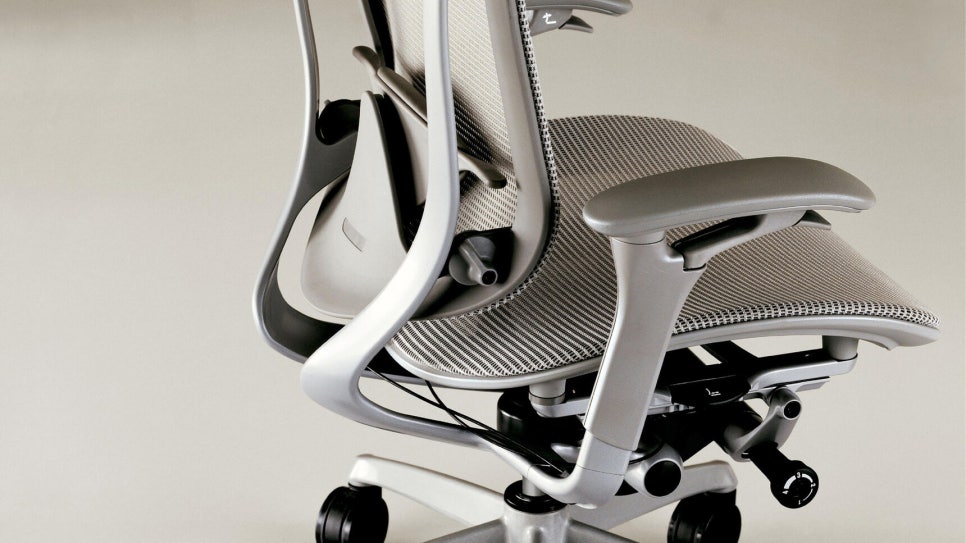
One of the core features of any quality office chair is the tilt mechanism. The tilt lever allows you to recline the backrest or lock it at your preferred angle.
Some chairs offer a fixed position lock, while others feature free-float tilting, which allows continuous motion as you shift your weight. This flexibility is essential for anyone who sits for extended periods and needs to change posture throughout the day.
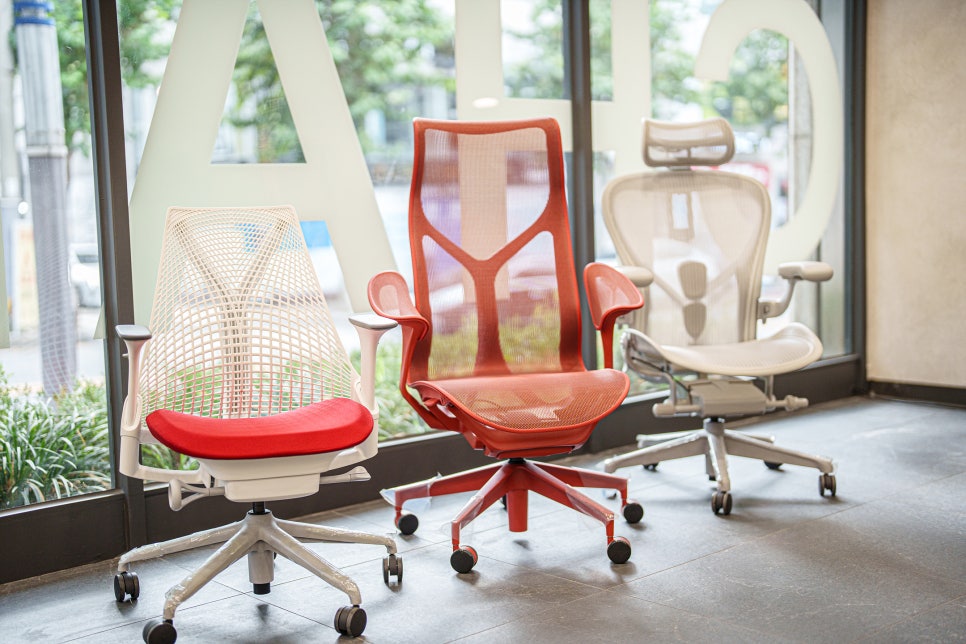
High-quality ergonomic chairs typically offer a wider recline range and smoother, more controlled movement. Popular models like the Herman Miller Sayl, Herman Miller Cosm, and Herman Miller Aeron all feature advanced tilt systems.
If you like to lean back while reading, thinking, or on calls, make sure the tilt function is responsive and easy to control.
2. Lumbar Support – The Lower Back Lifesaver
Lumbar support refers to the cushioning or firmness built into the lower backrest, designed to maintain the natural curve of your spine.
Without proper lumbar support, your lower back can round out over time, leading to discomfort and even chronic pain. The best ergonomic chairs allow you to adjust the height and depth of lumbar support to fit your unique body shape.
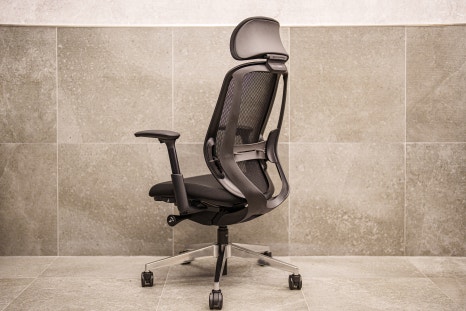
Top-tier models like the Herman Miller Aeron, Steelcase Leap V2, Okamura Contessa II, and Okamura Sylphy feature adjustable lumbar mechanisms that let you dial in the exact level of lower-back support you need.
If you tend to slouch or experience back fatigue by mid-afternoon, prioritize adjustable lumbar support.
3. Headrest and Armrests – Supporting Your Neck and Shoulders
The headrest provides support for your neck and head, especially useful during reclined postures or when taking a short break. Many ergonomic chairs offer height and angle adjustments so the headrest aligns with your natural posture.
Armrests (or arm pads) relieve tension in your shoulders and upper back by giving your arms a place to rest. The more adjustable they are—height, width, depth, angle—the better they'll fit your desk setup and body.
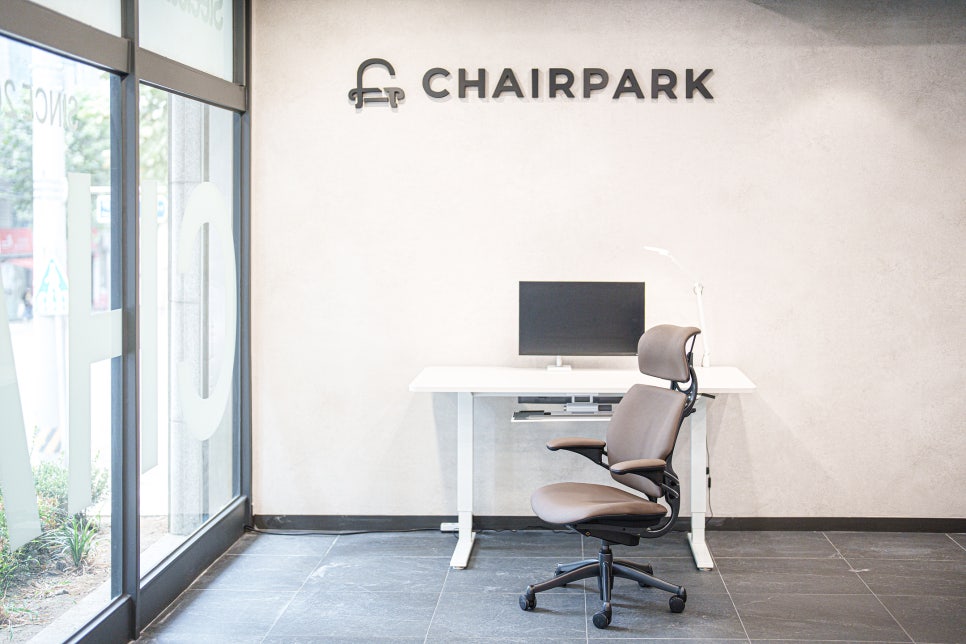
Premium chairs now offer 3D or 4D armrests, meaning they adjust in multiple directions. The Humanscale Freedom, for example, is known for its highly adaptable armrest system.
If you work at a keyboard all day or experience shoulder tension, invest in a chair with multi-dimensional armrest adjustments.
4. Tilt Tension Control – Matching Resistance to Your Body Weight
Ever sat in a chair that either flew backward the moment you leaned, or felt so stiff you could barely recline? That's a tension control issue.
Tilt tension (or spring tension) lets you adjust how much force is required to recline the backrest. This is especially important if you're lighter or heavier than average—you want the chair to respond naturally, not fight you or collapse under pressure.
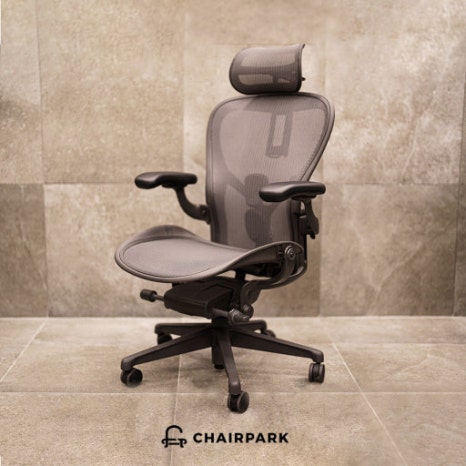
Chairs like the Okamura Contessa II and Steelcase Gesture offer fine-tuned tension dials that give you precise control.
If you sit for more than eight hours a day, a chair with adjustable tilt tension will drastically improve your comfort and posture.
Why These Features Matter
Every body is different. What feels supportive to one person may feel restrictive or too soft to another. That's why the best ergonomic chairs aren't just well-built—they're adjustable.
Understanding tilt, lumbar support, armrests, and tension control empowers you to fine-tune your seating experience, reducing fatigue and the risk of repetitive strain injuries.
Final Thoughts
Choosing an ergonomic chair doesn't have to be confusing. Once you understand what each adjustment does, you can quickly narrow down your options and find a chair that truly fits your body and workflow.
Look for chairs that offer:
Smooth, adjustable tilt with a locking option
Adjustable lumbar support (height and depth)
Multi-directional armrests (3D or 4D preferred)
Tilt tension control to match your body weight
Whether you're working from home or outfitting a corporate office, investing in the right ergonomic features will pay dividends in comfort, focus, and long-term health.
Furniblog may earn a commission from links in this post, at no extra cost to you. See our affiliate disclosure.