How to Adjust Office Chair Tilt Tension for a Pain-Free Back
Why your expensive chair still hurts—and how to fix the tilt mechanism you've been ignoring
By the Furniblog Editorial Team·July 9, 2026·4 min read
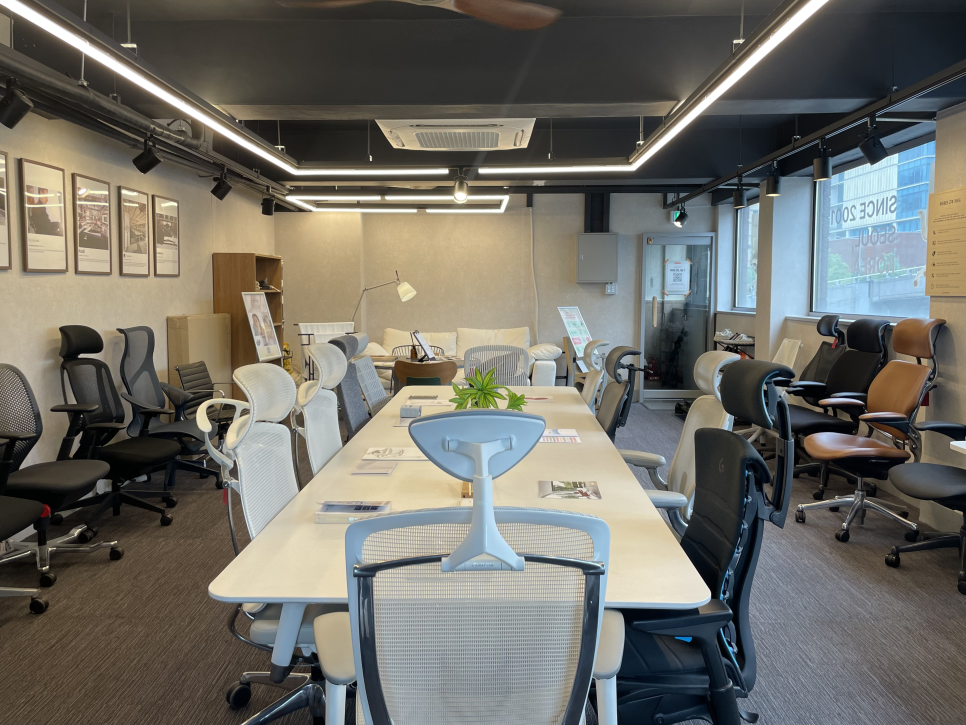
Your office chair reclines—but have you ever actually adjusted the tension? Most people never touch the dial under the seat, and that's a problem. If the tilt tension doesn't match your body weight, even an expensive ergonomic chair will leave you uncomfortable.
Too loose, and the backrest will lurch backward every time you lean. Too tight, and the backrest won't budge, forcing you into a hunched, forward posture all day. Here's everything you need to know about tilt mechanisms and how to dial in the right tension for your back.
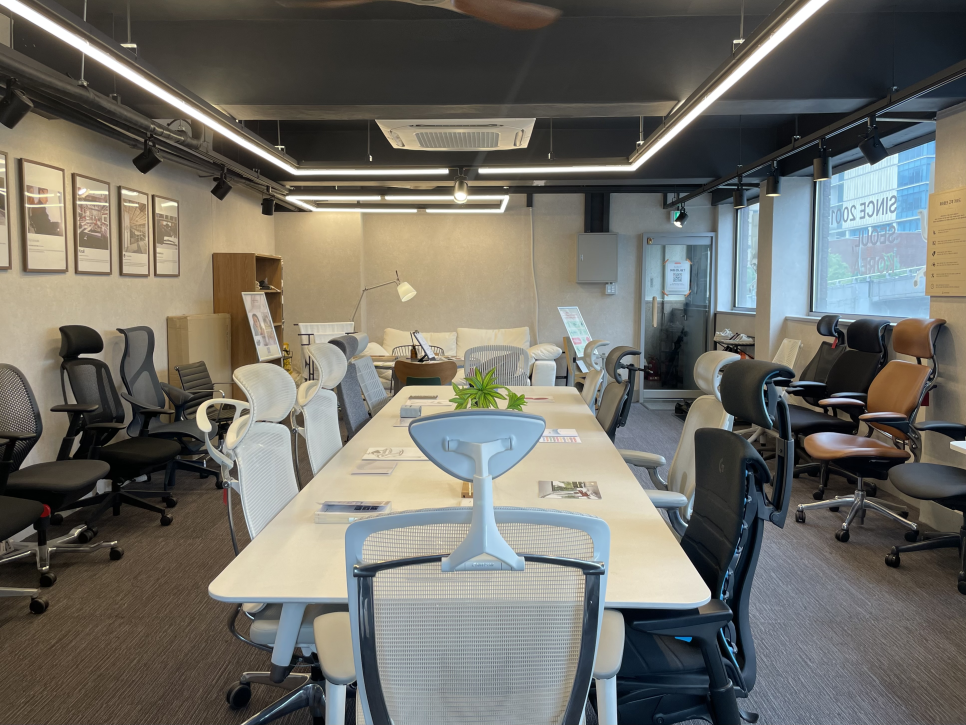
Why Tilt Mechanisms Weren't Always Standard
Reclining office chairs are a relatively recent innovation. The evolution went something like this:
1976 – Ergon Chair: Designer Bill Stumpf worked with orthopedic and circulatory specialists to create the first chair explicitly marketed as "ergonomic." It introduced tilt mechanics designed around pressure distribution and blood flow.
1982 – Giroflex Synchro Motion: Swiss manufacturer Giroflex launched the world's first synchronized tilt mechanism, where the seat and backrest recline at different ratios. This became the industry standard.
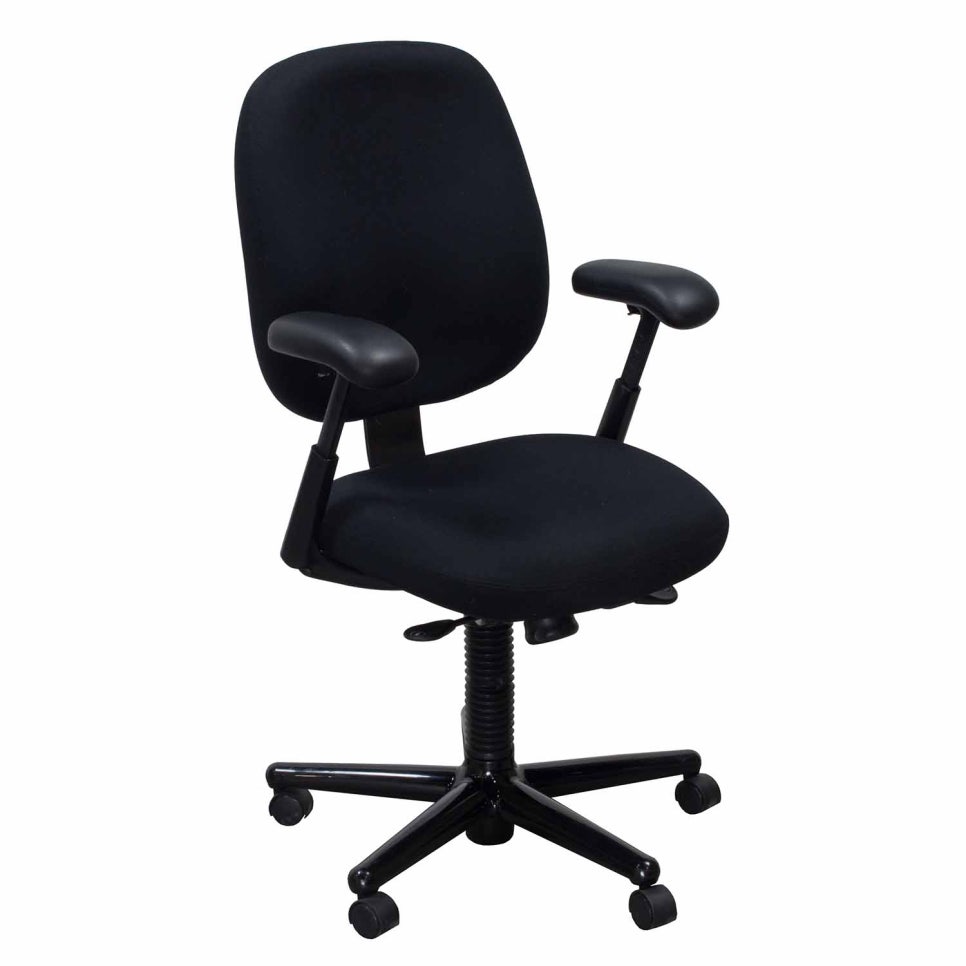
1994 – Herman Miller Aeron: The Aeron's mesh construction and refined tilt options changed the office furniture landscape and made ergonomic recline mainstream.
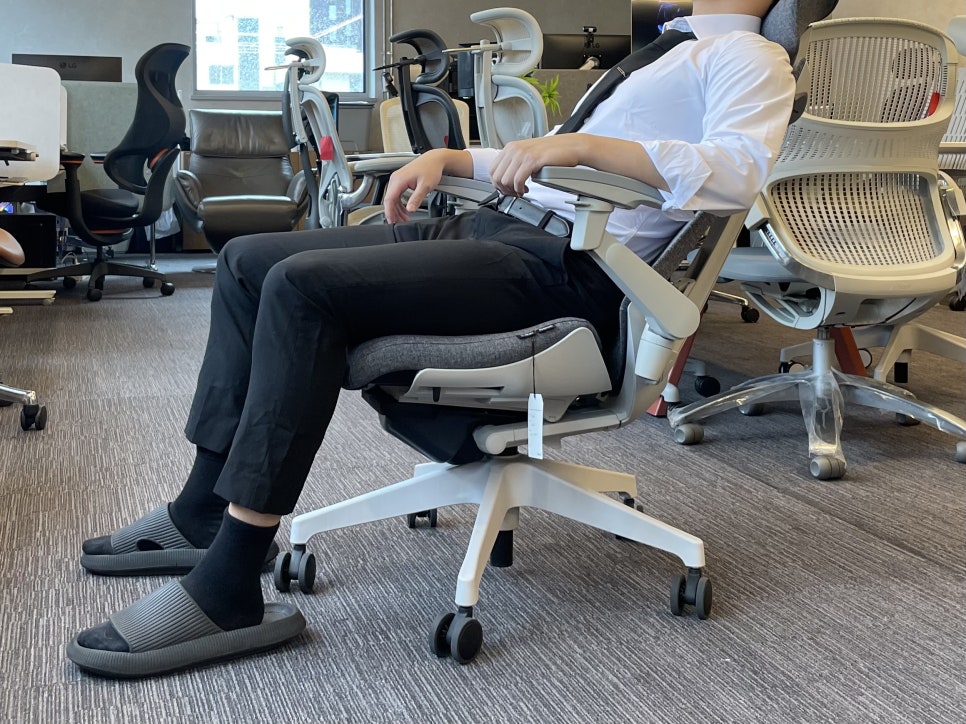
The Four Main Types of Tilt Mechanisms
Center Tilt
The pivot point sits in the middle of the seat. When you recline, your knees lift and your feet come off the floor—an unstable position that's hard to hold for long. Typically found only on budget chairs.
Knee Tilt
The pivot is near the front of the seat, roughly under your knees. Your feet stay on the ground while you recline, offering better stability. Common in mid-tier office chairs.
Synchronized Tilt
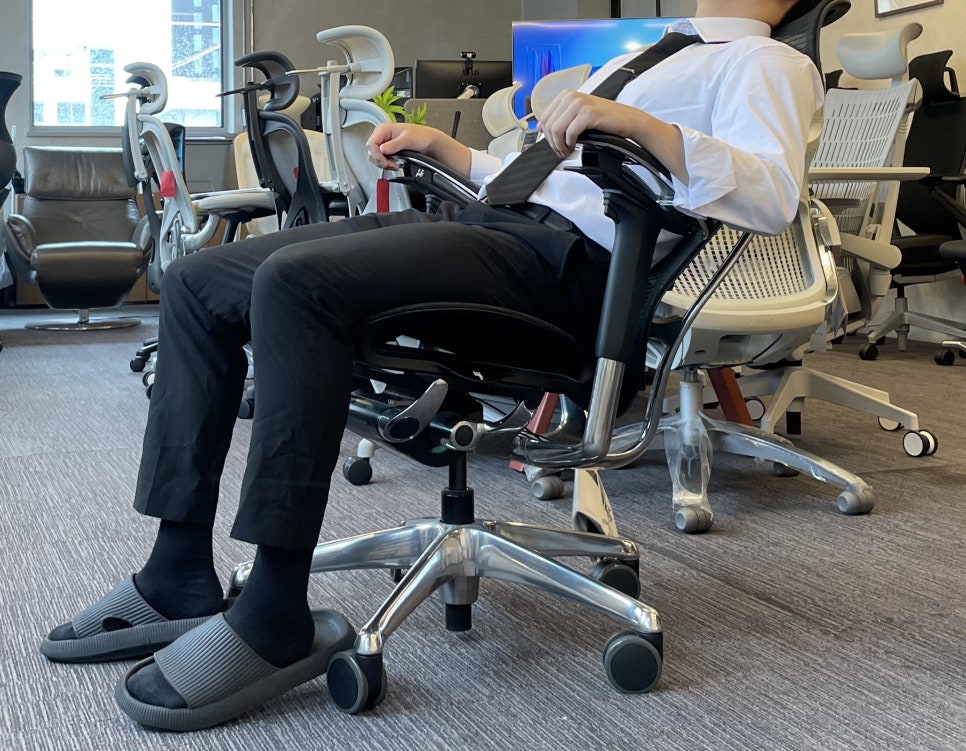
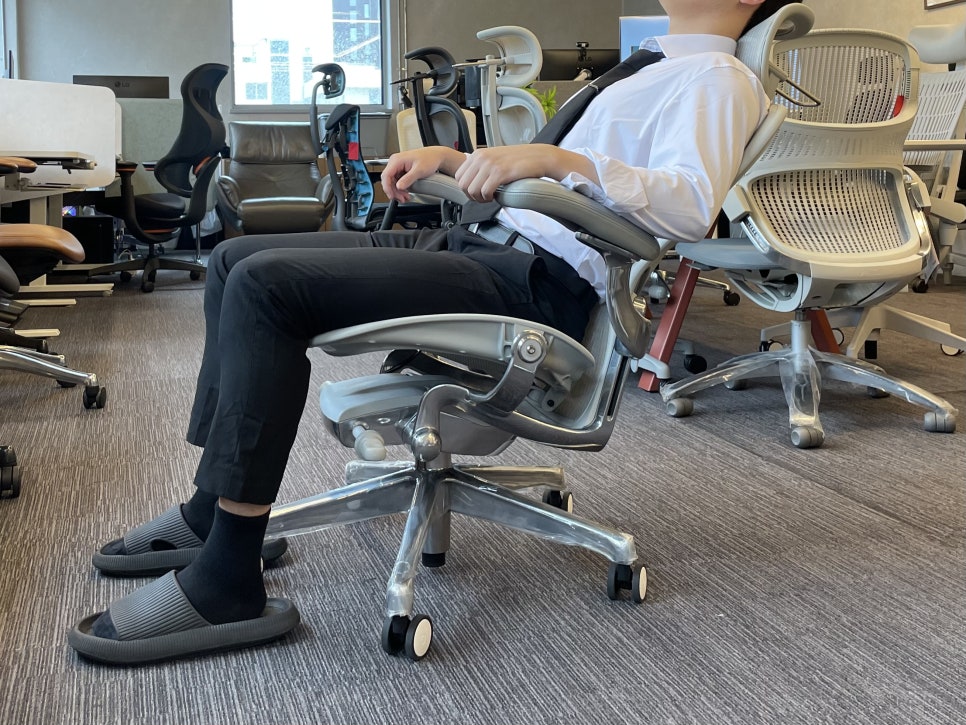
The seat and backrest recline together, but at different angles—usually a 2:1 ratio (the backrest moves 2° for every 1° of seat movement). Your feet remain planted, and the recline feels natural. This is the current standard on quality ergonomic chairs.
Weight-Activated Tilt (WAT)
A variation of synchronized tilt that uses leverage and body weight to auto-adjust resistance. You don't need to manually set tension—the mechanism responds to how much you weigh and how you shift.
How to Adjust Tilt Tension Properly
Most synchronized tilt chairs have a dial or lever under the seat that controls tension. The principle is simple: lighter users need less resistance, heavier users need more. Yet most people never touch it—they just use whatever factory setting came out of the box.
When Tension Is Too Loose
Lean back even slightly and the chair tips backward abruptly. Your body loses support, your lower back muscles brace reflexively, and that tension accumulates over hours of sitting.
When Tension Is Too Tight
The backrest barely moves, so you give up trying to recline and stay hunched forward instead. The tilt feature becomes useless, and pressure concentrates on your pelvis and lower back.
The Sweet Spot
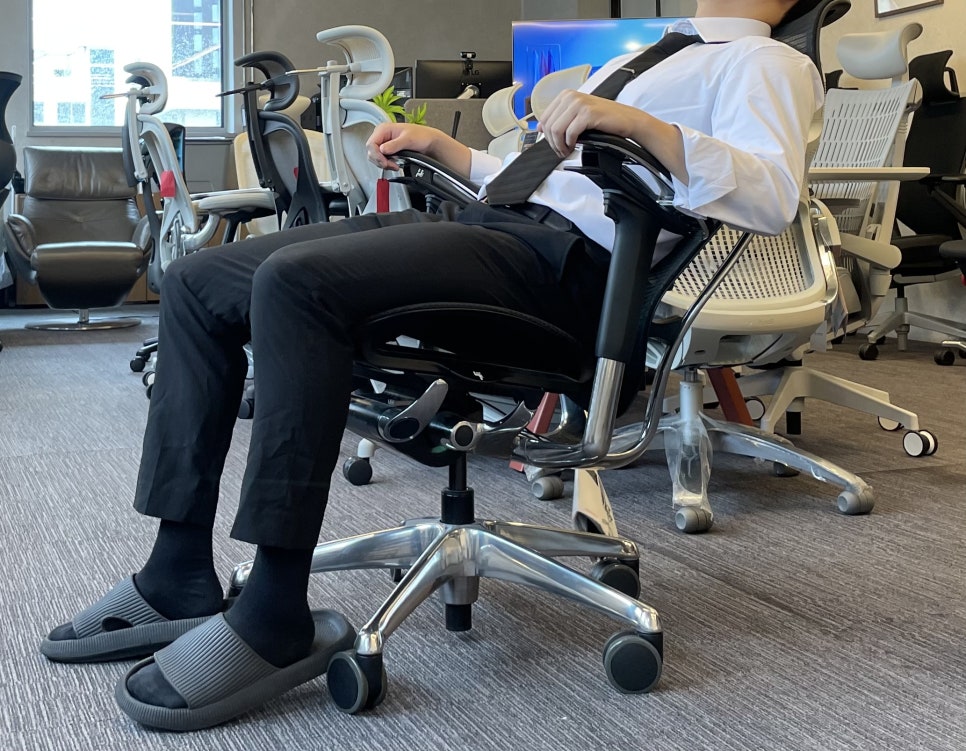
When you lean back, you should feel gentle, progressive resistance—the backrest should recline smoothly and stop at a natural angle that supports your spine without launching you backward or forcing you to push hard. Start from the middle setting and adjust in small increments until it feels right.
The Chair That Eliminates Tension Adjustment Entirely
What if you didn't need to set tension at all? That's the idea behind the Kokuyo Ing Cloud, which replaces traditional tilt with a gliding mechanism.
360° Gliding Instead of Fixed Tilt
Kokuyo, a Japanese company founded in 1905 as a stationery maker and later a furniture manufacturer, designed the Ing series around a simple insight: the human body has over 360 joints and 700 skeletal muscles, and they need to keep moving for the nervous system to function properly.
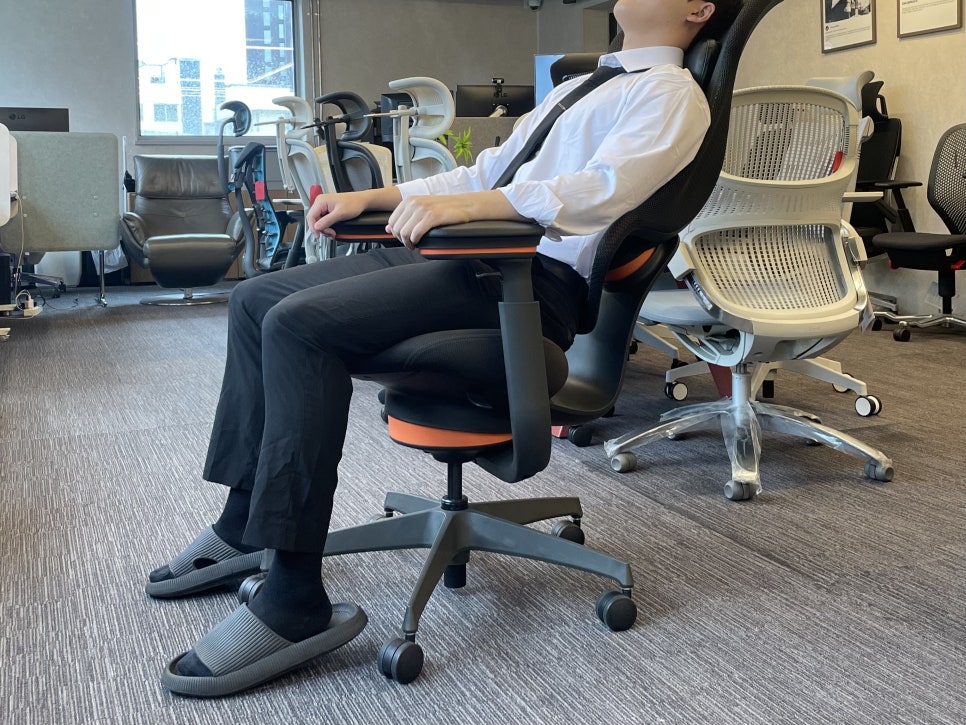
The Ing Cloud uses what Kokuyo calls a "3D Ultra Autofit Mechanism"—three independent gliding points under the seat, in the backrest, and at the armrests. These allow the chair to follow your body's micro-movements in 360 degrees, rather than locking you into a fixed recline angle.
There's no separate lumbar support. According to Kokuyo, the continuous gliding motion naturally maintains your spine's S-curve. The front edge of the seat is curved to avoid pressure on the backs of your thighs, so even shorter users don't need to adjust seat depth.
Passive Calorie Burn
Kokuyo's internal testing suggests that sitting in the Ing Cloud's 360° gliding seat for four hours burns roughly the same calories as walking 1.5 kilometers—because your core and postural muscles stay gently active instead of static.
Two Philosophies, One Goal
Synchronized tilt says: "Set the tension to match your weight, then recline when you need to." The Ing Cloud says: "Forget tension—just move, and the chair will follow." Both aim to reduce static load on your spine, but the experience is completely different. Photos and specs can't convey it—you really need to sit in both to know which feels right for your body.
Try Before You Commit
If you're shopping for a new chair, make sure to test the tilt mechanism with your own body weight. Adjust the tension dial through its full range and notice how the backrest responds. And if you're curious about gliding alternatives, the Ing Cloud offers a fundamentally different approach worth experiencing firsthand.
Whether you choose a traditional synchronized tilt like the Steelcase Gesture or Herman Miller Embody, or explore a gliding design like Kokuyo's, the key is the same: your chair should adapt to you, not the other way around.
Furniblog may earn a commission from links in this post, at no extra cost to you. See our affiliate disclosure.