How to Choose an Office Chair for Tall People and Back Pain Sufferers
Expert guidance on finding ergonomic chairs that fit your body type
By the Furniblog Editorial Team·July 31, 2026·4 min read
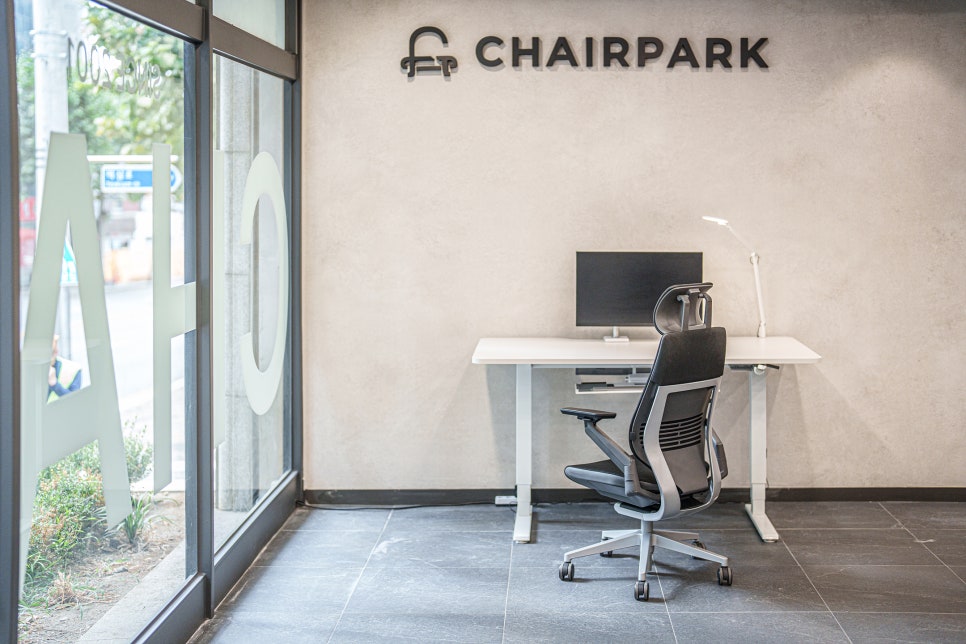
When you're sitting at a desk for eight hours or more each day, your office chair stops being just furniture—it becomes critical support infrastructure for your body. And if you're taller than average or dealing with chronic lower back pain, you've probably discovered the hard way that most standard office chairs simply don't cut it.
The good news? Once you know what to look for, finding a chair that actually fits your body and alleviates discomfort becomes much more straightforward. This guide breaks down the key features to prioritize based on your body type and specific pain points, with concrete model recommendations to get you started.
Choosing an Office Chair When You're Tall
For taller users—generally anyone over 6 feet (183 cm)—the challenge isn't just about comfort. It's about maintaining proper posture and avoiding the strain that comes from furniture designed for average-height bodies.
Key Feature #1: Seat Depth
Your thighs should be fully supported without the seat edge pressing into the back of your knees. Look for chairs with adjustable seat depth (also called seat pan slide or depth adjustment). This feature lets you move the seat cushion forward or back to accommodate longer femurs.
Key Feature #2: Backrest Height
A tall user needs a backrest that reaches at least to shoulder blade height, and ideally higher. High-back models with integrated or adjustable headrests provide critical neck and upper back support that shorter backrests simply can't deliver.
Key Feature #3: Maximum Seat Height Range
To maintain a 90-degree (or slightly greater) knee angle with your feet flat on the floor, you need a chair that can lift high enough. Check the maximum seat height specification—many budget and mid-range chairs top out too low for taller users.
Recommended Chairs for Tall Users
Steelcase Gesture – Offers seat depth adjustment, a broad backrest that accommodates larger frames, and exceptional build quality that supports users up to 400 lbs.
Okamura Contessa II – Despite its sleek profile, this Japanese-engineered chair offers excellent depth adjustment and a tall backrest, with fine-tuned ergonomic controls.
Herman Miller Aeron (Size C) – The largest size in the Aeron lineup is specifically designed for taller, larger users, with breathable mesh that stays comfortable during long sessions.
Choosing an Office Chair When You Have Back Pain
Lower back pain is one of the most common complaints among office workers, and the right chair can make a dramatic difference. Here's what to prioritize.
Key Feature #1: Lumbar Support
This is non-negotiable. The lumbar region (lower back curve) needs firm, consistent support. The best chairs offer adjustable lumbar support—either via a dial, inflatable cushion, or sliding pad—so you can position it exactly where your spine needs it most. The support should feel present without creating uncomfortable pressure.
Key Feature #2: Recline and Tilt Mechanism
A quality tilt mechanism allows the backrest to recline while keeping your lower back supported. Synchro-tilt (where the seat and back move together at different rates) is ideal, as it reduces strain during position changes. Look for adjustable recline tension and tilt lock features.
Key Feature #3: Seat Cushion Quality
A seat that's too firm can create pressure points; one that's too soft will collapse and throw off your posture. The best ergonomic chairs use contoured, high-density foam or suspension mesh that distributes weight evenly and maintains shape over time.
Recommended Chairs for Back Pain
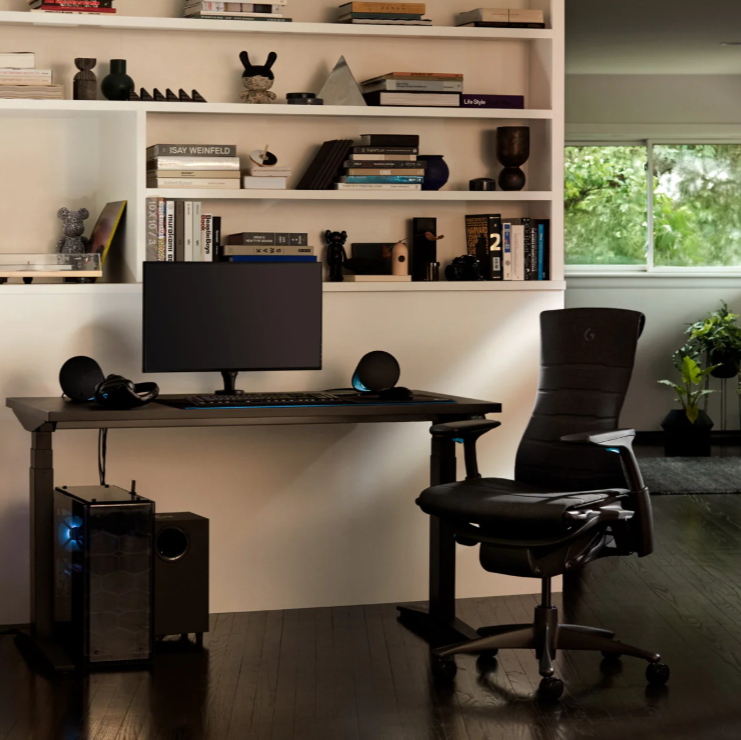
Herman Miller Embody – Designed with input from physicians, the Embody's pixelated backrest support adapts to your spine in real time, reducing pressure and promoting micro-movements.
Humanscale Freedom – Features automatic, weight-sensitive recline and a sculpted backrest that provides excellent lumbar support without manual adjustment.
Knoll Generation – The flexible backrest contours naturally to your lumbar curve, and the elastic suspension system encourages healthy posture shifts throughout the day.
The Importance of Trying Before You Buy
Spec sheets and online reviews are helpful, but there's no substitute for actually sitting in a chair—especially when you're dealing with body-specific concerns like height or pain. What feels supportive to one person may feel stiff to another. What seems spacious in photos might feel cramped in reality.
If you're investing in a high-quality ergonomic chair (and you should be, given how much time you'll spend in it), make every effort to test multiple models in person. Pay attention to:
How the lumbar support feels after 10–15 minutes, not just immediately
Whether your feet rest flat and comfortably on the floor at the correct seat height
How intuitive the adjustment controls are
Whether the armrests, seat depth, and backrest height accommodate your frame without compromise
Where to Try Premium Ergonomic Chairs
If you're in South Korea, Chairpark's Hannam showroom offers one of the most comprehensive collections of global ergonomic chair brands under one roof. You can compare models side-by-side, get expert fitting advice, and even book a private study room for up to two hours to experience chairs in a realistic work setting—without any pressure to buy.
For readers elsewhere, look for authorized dealers of brands like Herman Miller, Steelcase, Humanscale, and Knoll in your area. Many offer showroom appointments and extended trial periods.
Your chair is not just a purchase—it's an investment in your long-term health, focus, and comfort. Choose wisely, and your back (and productivity) will thank you.

Furniblog may earn a commission from links in this post, at no extra cost to you. See our affiliate disclosure.