How to Set Office Chair Armrest Height to Eliminate Shoulder Pain and Tension
Why 1cm in armrest height can make or break your neck and shoulder health
By the Furniblog Editorial Team·July 9, 2026·4 min read
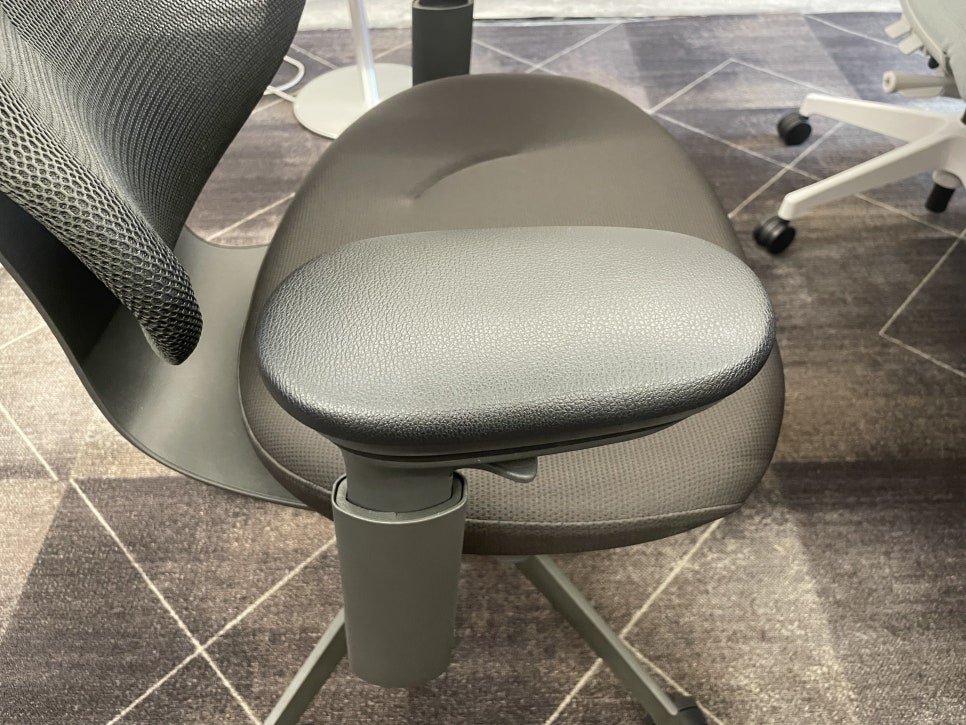
Your $2,000 Chair May Still Be Hurting Your Shoulders
You've invested in a premium ergonomic chair, yet by mid-afternoon your shoulders are knotted and your upper trapezius muscles feel like rocks. The problem likely isn't your chair—it's how you've set it up.
Most people use their armrests in the factory default position, never adjusting them to match their body or desk setup. It's like buying a luxury car and never adjusting the seat. Even the best chairs require proper configuration, and armrests are the most underestimated component in that equation.
A difference of just 1–2 centimeters in armrest height can be the root cause of all-day shoulder discomfort. Here's how to get it right.
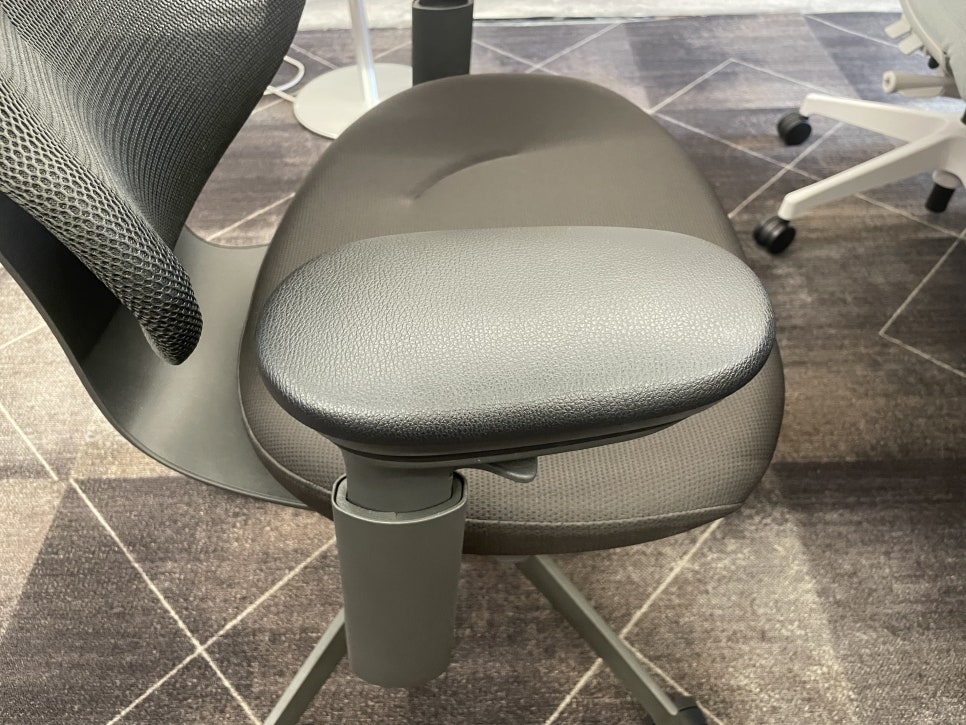
Armrests Support Your Arms, Not Just Rest Them
Most people think of armrests as simple props where you casually place your forearms. But from an ergonomic standpoint, their real job is to offload the weight of your arms so your shoulder muscles can rest.
Your arms weigh approximately 5–6% of your body weight each. When they're not properly supported, that weight hangs from your shoulders all day long. This creates static load on the upper trapezius and deltoid muscles—a leading risk factor for musculoskeletal disorders.
In other words, correct armrest setup determines whether your shoulders can truly rest or whether they're working a full shift without a break.
The Biomechanics: How 1cm Creates Pain
Research measuring neck and shoulder muscle activity (via electromyography) during keyboard typing has shown clear results: muscle activation was lowest when armrests were set at resting elbow height, and increased significantly as armrest height rose above that point.
When Armrests Are Too High
Your shoulders are held in a slight shrug position. The upper trapezius and levator scapulae muscles remain contracted throughout the day, leading to neck and shoulder tightness and the classic "raised trap" look that won't go away.
When Armrests Are Too Low (Below Keyboard Level)
Your forearms can't rest at keyboard height, so your shoulders bear the full weight of your arms. You may also lean to one side for support, which throws off spinal alignment and creates asymmetric strain.
The Sweet Spot
The key is finding the position where your elbows are naturally supported at your desk and keyboard height—not too high, not below your work surface. That's why a 1cm difference can be decisive.

The Perfect Armrest Setup Checklist
Follow these five parameters to dial in your armrests correctly:
1. Height
With your shoulders completely relaxed (not raised), adjust the armrests so your elbows rest at 90–100° and your forearms are roughly parallel to the floor. If you're unsure, err on the side of slightly lower—too high forces a shoulder shrug.
2. Width
Keep your upper arms close to your torso (abduction angle around 20° or less). Narrowing the armrests to match shoulder width reduces shoulder external rotation and tension.
3. Angle (Pivot)
When typing, your hands converge in a V-shape. Rotate the armrest pads slightly inward to follow that natural angle.
4. Contact Point
Support the fleshy part of your forearm, not the bony elbow joint itself. Resting directly on the joint can cause nerve compression and numbness.
5. Depth (Sliding / 4D Adjustment)
Make sure the armrests don't hit the desk edge when you pull in close. The goal is continuous support from elbow to keyboard with no gaps.
One-sentence summary: Let your shoulders drop naturally, note where your elbows fall, and fine-tune from there. Armrests should relieve arm weight, not bear your body weight.

Setup Matters as Much as the Chair Itself
Buying a great ergonomic chair is only half the battle. The other half is adjusting it to match your desk height, keyboard position, and body dimensions. Even a modest adjustment to armrest height can make a dramatic difference in afternoon shoulder fatigue.
If you're struggling with persistent neck and shoulder pain despite sitting in a high-end chair like the Herman Miller Embody, Steelcase Gesture, or Haworth Fern, revisit your armrest setup before assuming the chair isn't right for you.

Key Takeaways
Armrests offload arm weight (5–6% of body weight per arm) to prevent static shoulder load
Too high = shoulder shrug and upper trap tension; too low = unsupported forearms and postural collapse
Adjust height so elbows rest naturally at 90–100° with forearms parallel to the floor and keyboard
Fine-tune width, angle, depth, and contact point for seamless support
Even premium chairs cause pain if not set up correctly for your workstation
Small changes—sometimes just a centimeter or two—can eliminate hours of discomfort. Take five minutes to adjust your armrests properly, and your shoulders will thank you by the end of the day.

Furniblog may earn a commission from links in this post, at no extra cost to you. See our affiliate disclosure.