How to Set Up Your Office Chair to Prevent Forward Head Posture (Desk Workers' Guide)
Why million-dollar mechanisms mean nothing without proper adjustment
By the Furniblog Editorial Team·July 10, 2026·5 min read
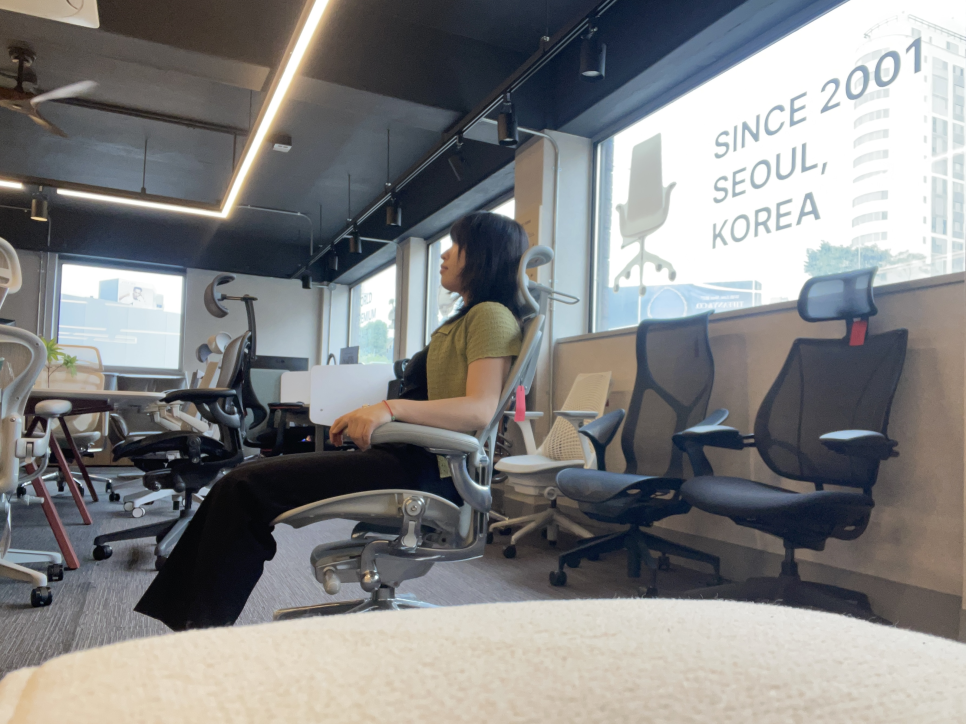
Why Your Expensive Chair Isn't Helping Your Posture
High-end ergonomic chairs from brands like Herman Miller, Okamura, Itoki, Kokuyo, and Knoll command premium prices—not just because of quality materials, but because of their precision adjustment mechanisms. These are built on decades of clinical research and ergonomic data, allowing millimeter-level customization to fit different body types.
But here's the catch: even the best chair delivers less than half its potential benefit if you don't set it up correctly.
If you're a desk worker logging 10+ hours a day and experiencing stiff necks, rounded shoulders, or that telltale forward head posture by the end of your shift, the solution isn't necessarily a new chair—it's learning how to properly adjust the one you have.
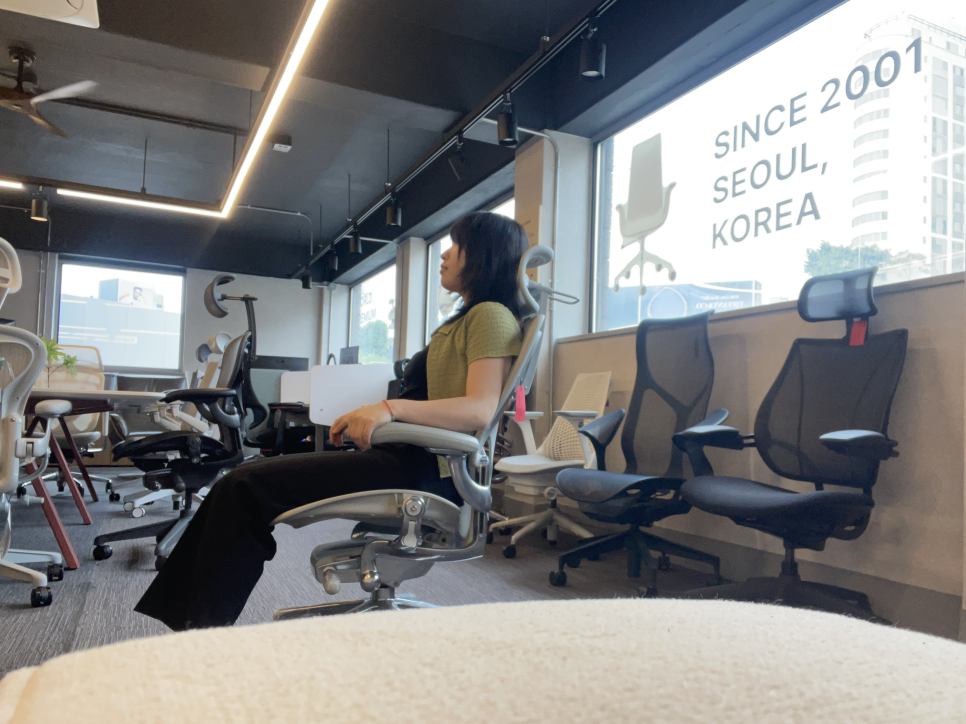
The Real Cause of Tech Neck (and Why Chair Setup Matters)
"My neck is stiff and my shoulders are knotted—I can't focus on work."
"By the time I clock out, my head is jutting forward like a turtle."
Sound familiar? Many people try raising their monitor or doing stretches to combat forward head posture, but the most fundamental solution starts with the chair beneath you. When your chair properly supports your body, your spine maintains its natural alignment, reducing the muscular strain that leads to tech neck.
4-Step Chair Setup Guide to Prevent Forward Head Posture and Spine Pain
Grab the levers on your chair and follow along—let's get your workstation dialed in.
Step 1: Seat Height — Your Feet Are the Foundation
Many people adjust their chair height to match their desk. Wrong. The reference point should always be your body. Spinal health starts from the ground up.
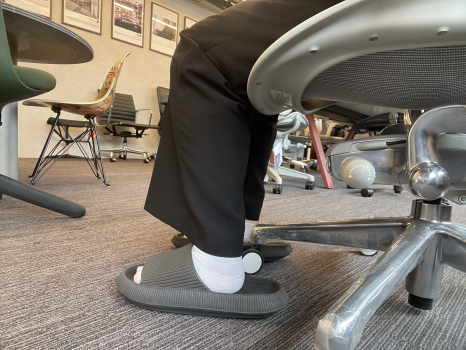
How to adjust: Set the seat height so your knees form a natural 90-degree angle and the entire sole of your foot rests flat on the floor. If your feet don't reach, use a footrest.
Why it matters: When your feet dangle, your body weight shifts to the back of your thighs, restricting blood flow. Within 30 minutes, this causes you to slouch, triggering a chain reaction of poor posture that leads to forward head posture and lower back pain.
Step 2: Seat Depth — Push Your Hips All the Way Back
One of the hallmark features of premium ergonomic chairs is adjustable seat depth (often called seat pan depth or seat slide). This lets you fine-tune support from your hips to your knees, accommodating different leg lengths.
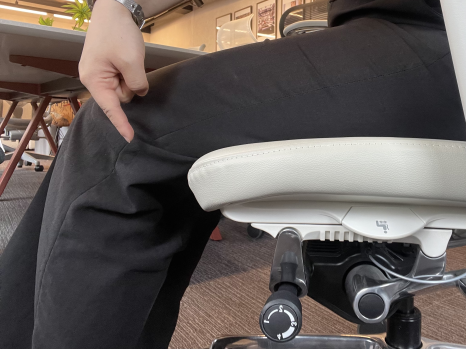
How to adjust: Sit with your hips pushed all the way back against the backrest. Then adjust the seat pan so there's about three to four fingers' width (roughly 2 inches or 4–5 cm) of space between the front edge of the seat and the back of your knees.
Why it matters: Too little space compresses the back of your knees and restricts circulation. Too much space causes you to slide forward into a semi-reclined position, placing 6 to 8 times more load on your lumbar spine.
Step 3: Lumbar Support and Backrest Tension — Maintain Your Spine's Natural S-Curve
The human spine has a natural S-shaped curve. Your chair's backrest should support this curve, not flatten it. Proper lumbar support minimizes stress on your intervertebral discs and back muscles.
How to adjust:
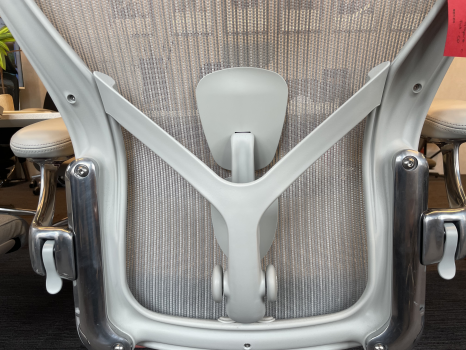
Position the lumbar support so it contacts the most concave part of your lower back (roughly behind your navel).
Adjust the backrest tension (tilt tension) so that when you lean back, you feel continuous support without floating or bouncing. The tension should match your body weight.
Why it matters: If the tension is too loose, you'll unconsciously over-recline. If it's too stiff, you won't use the backrest at all, leaving your lower back unsupported and fatigued.
Step 4: Armrest Height and Angle — The Key to Shoulder Pain Relief
Forward head posture is often less about your neck and more about your shoulders and upper traps working overtime to support the weight of your arms (which average 6–9 pounds each). High-end chairs feature 4D armrests—adjustable in height, width, depth, and angle—to eliminate this strain.
How to adjust:
Relax your shoulders in a natural, dropped position. Adjust armrest height so your elbows rest at a 90-degree angle.
Angle the armrests slightly inward so your forearms form a straight line from elbow to wrist when typing or using a mouse.
Slide the armrests forward so your elbows naturally rest on them without reaching.
Why it matters: Armrests that are too high cause your shoulders to shrug, creating constant tension in your upper traps. Armrests that are too low force your shoulder muscles to bear the full weight of your arms. Proper armrest adjustment alone can eliminate up to 60% of shoulder discomfort.
The Bottom Line: Even a $2,000 Chair Is Useless If It's Set Up Wrong
A chair that doesn't fit your body is worthless, no matter the price tag. The value of a premium ergonomic chair lies not just in owning it, but in adjusting it correctly to unlock its full potential.
Recommended Chairs for Forward Head Posture and Spine Health
If you're in the market for a chair with the adjustment range to support these setup principles, here are four exceptional options:
Herman Miller Aeron
PostureFit SL dual lumbar and sacral support
8Z Pellicle mesh with zonal tension variation
Forward tilt function
Available in three sizes (A, B, C) for precise fit
Best for: The most popular choice among office professionals
Okamura Contessa Seconda
Integrated armrest lever for intuitive on-the-fly adjustments
High-tension mesh for excellent breathability year-round
Optional headrest and customizable lumbar support
Made-to-order with extensive color and material options
Best for: Balance of design aesthetics and functionality
Itoki ACT2
Okamura's latest flagship mesh chair with auto-responsive backrest tension
Wide range of adjustability to fit diverse body types
Slim, refined silhouette for modern office environments
Best for: Premium mesh chair seekers wanting cutting-edge tech
Knoll Generation
Flexible backrest designed to support a variety of sitting postures
C-shaped lateral lumbar support wraps around your sides
Lightweight frame ideal for dynamic, active work environments
Generous tilt range for both forward and reclined positions
Best for: Users who shift postures frequently throughout the day

Final Thoughts: Small Adjustments, Big Impact
Reading about chair setup is helpful, but nothing replaces hands-on guidance. If you're unsure whether your current setup is correct, consider visiting a specialty ergonomic furniture showroom where experts can analyze your height, weight, and work habits to find your optimal settings.
Your chair is more than furniture—it's the foundation of your workday health. Take five minutes to adjust it properly today, and your neck, shoulders, and spine will thank you for years to come.

Furniblog may earn a commission from links in this post, at no extra cost to you. See our affiliate disclosure.