Premium Office Chair Buying Checklist: How to Avoid Costly Mistakes
Why expensive ergonomic chairs fail—and how to choose one that actually fits
By the Furniblog Editorial Team·July 7, 2026·6 min read
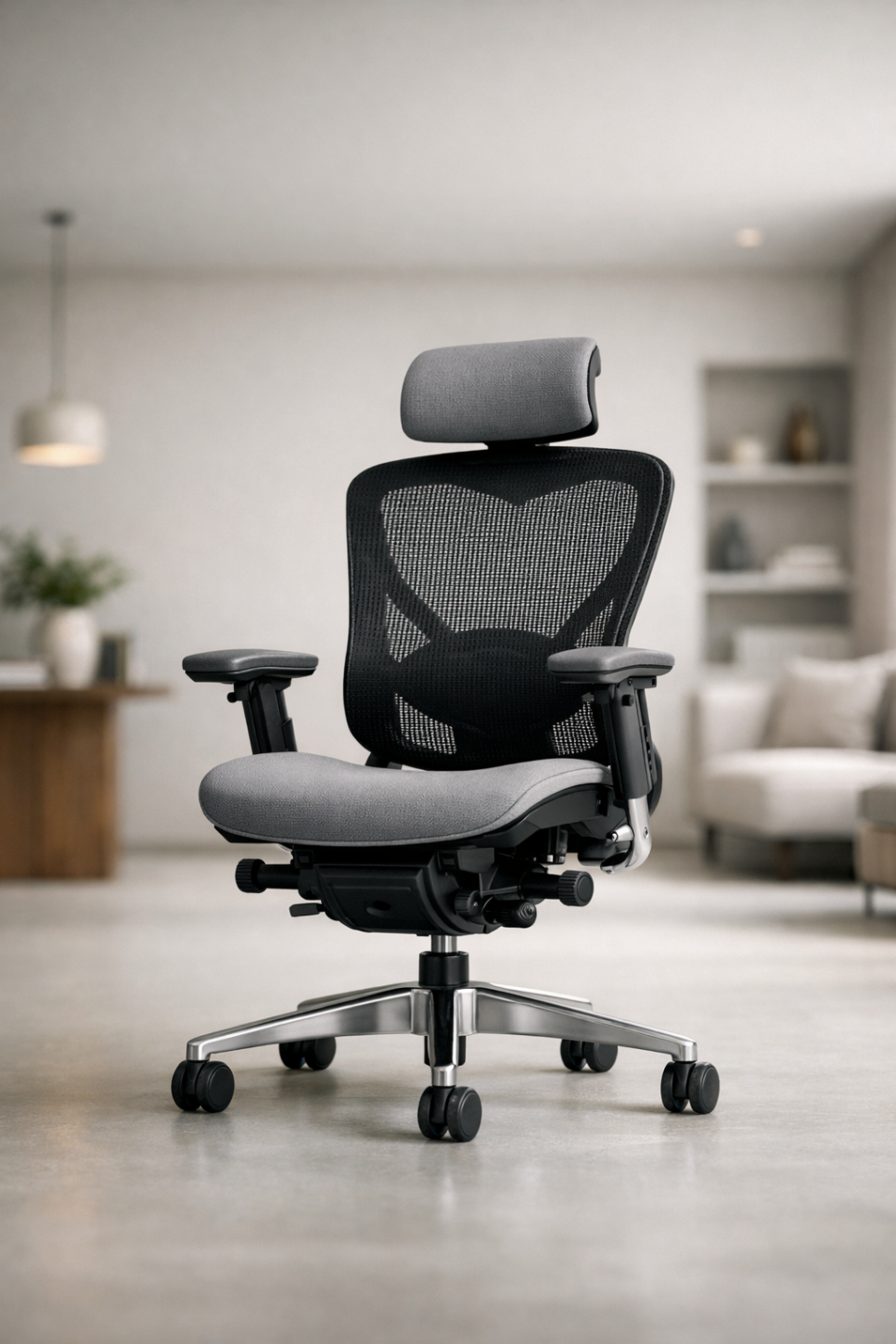
Why High-End Office Chairs Fail: It's Not About Price, It's About Fit
Premium ergonomic chairs are not commodities you can judge by price tag or brand alone. Even the same model can deliver vastly different satisfaction depending on your body type, posture habits, desk environment, and ability to dial in the adjustments. Drawing on frontline retail experience, this guide identifies the seven most common reasons buyers end up disappointed, returning, or reselling their expensive chairs—and how to avoid joining them.
The key insight: a quick sit-test in a showroom is not enough. Real satisfaction comes from testing a chair in conditions that mirror your actual workspace, with proper adjustment guidance.
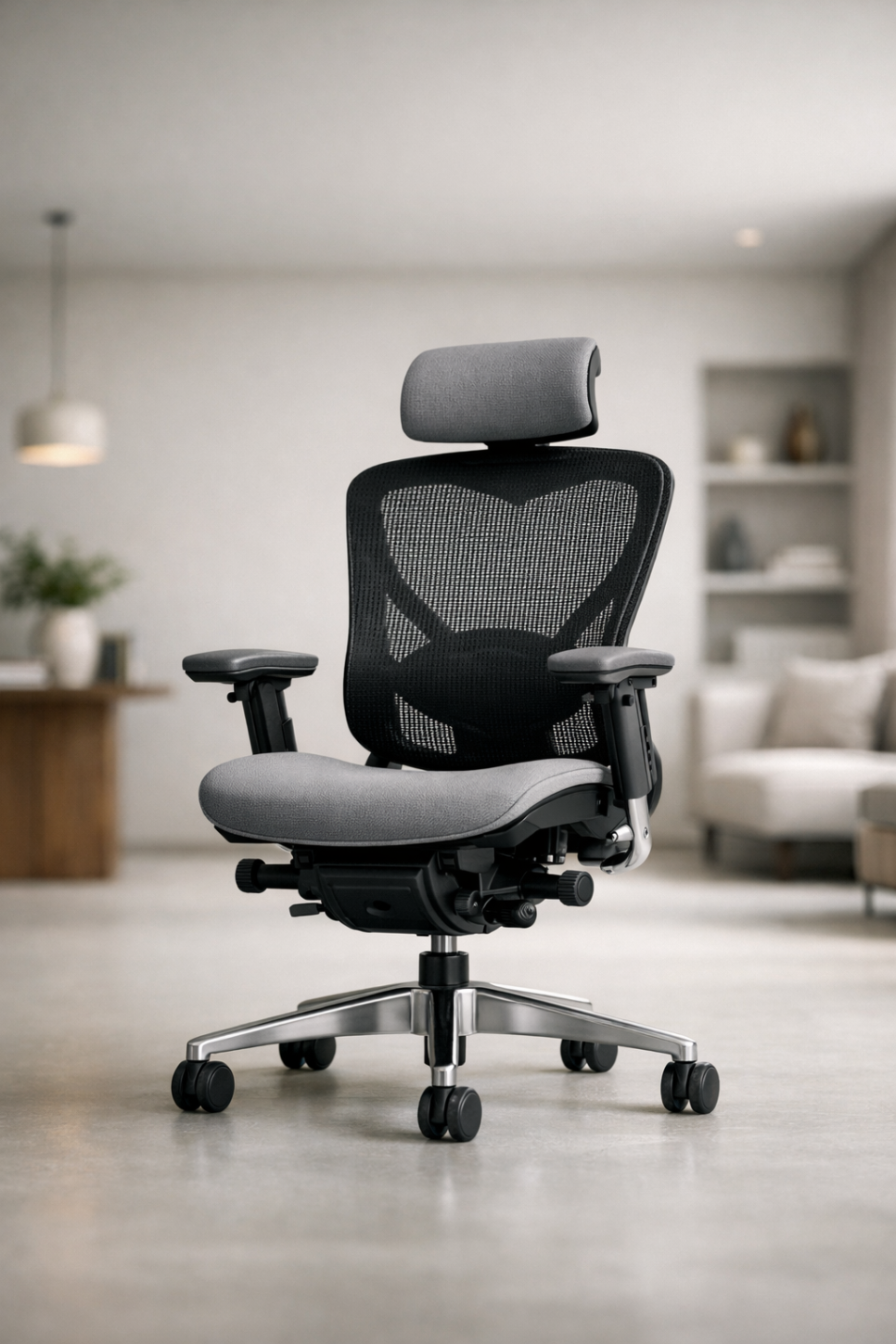
1. Assuming Reviews Apply to Your Body
The Core Problem: Different Bodies, Different Results
Common failure pattern:
Buying based solely on online reviews, YouTube recommendations, or forum "top picks"
Sitting in a showroom for three minutes and deciding "feels okay"
Getting the chair home, only to find your desk height, monitor position, and work posture create a completely different experience
Why this happens: Chair satisfaction is determined by contact pressure distribution, joint angles, and lumbar support alignment—not materials or brand prestige. When your body dimensions and workspace differ fro
m the reviewer's, even a universally praised chair can feel wrong. Support points shift out of place, and comfort turns to discomfort.
2. Confusing Comfort with Softness
The Core Problem: Task Chairs Are Not Sofas
Common failure pattern:
"Why is this so firm?" or "The backrest pushes against me"
Expecting plush, enveloping cushioning on first contact
Assuming firmness means defect or poor quality
Disabling lumbar support and armrests to make the chair "less intrusive"
Why this happens: High-end task chairs are engineered for postural support, not lounging. Their goal is to maintain neutral spine alignment, pelvic stability, and reduced shoulder load over many hours. If you're seeking sofa-like sink-in comfort, you may be shopping in the wrong product category entirely.

3. Skipping Adjustment and Setup
The Core Problem: Factory Defaults Fit No One
Common failure pattern:
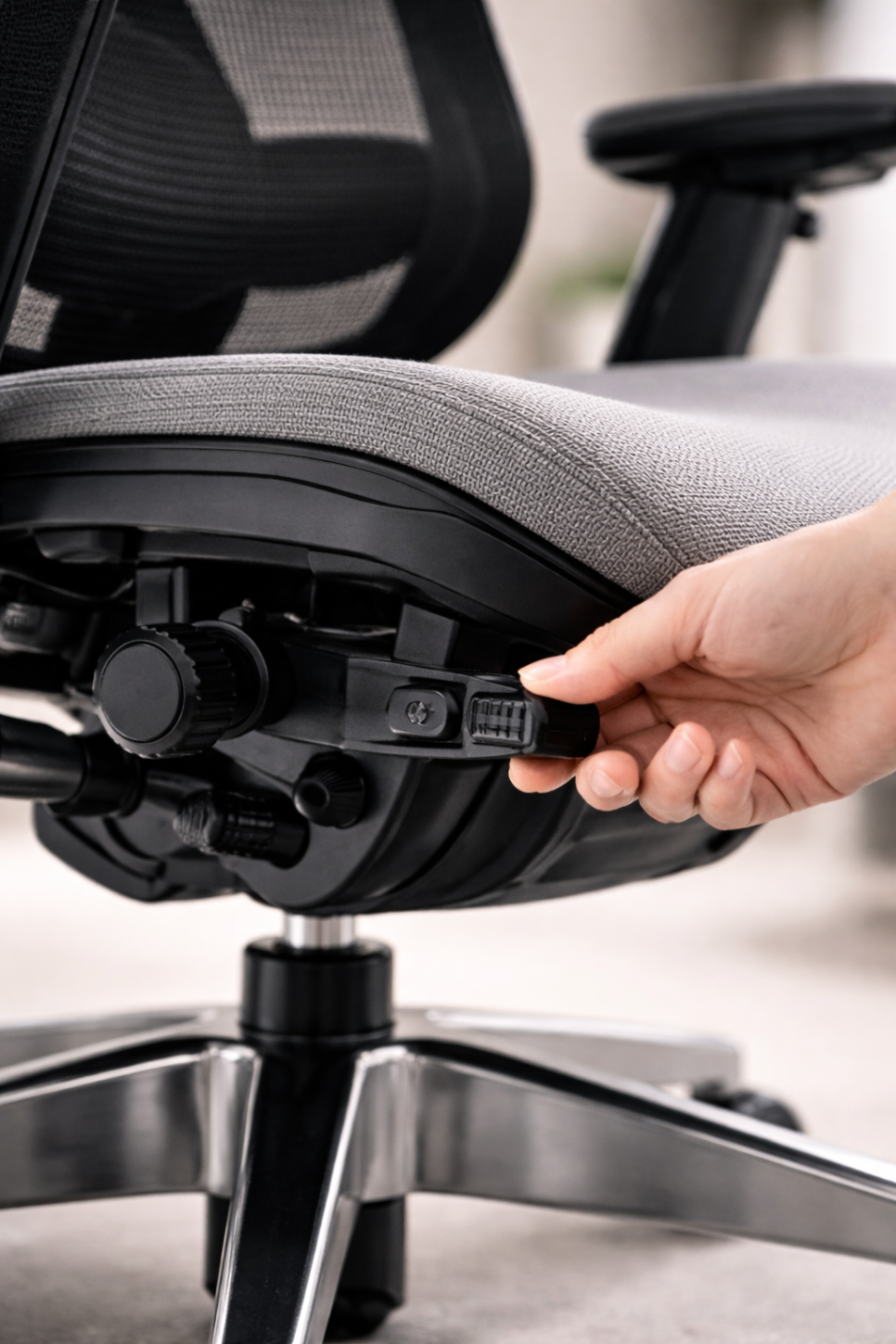
Intimidated by multiple levers and dials, leaving everything at default
Never adjusting seat height, seat depth, armrests, or lumbar support
Concluding "this expensive chair does nothing for me"
Minimum setup checklist (these four settings alone dramatically reduce failure rates):
Seat height: Feet flat on floor, knees at 90–110°
Seat depth: 2–3 finger widths of clearance behind your knees
Armrest height: Elbows supported naturally without shoulder lift
Lumbar support: Positioned to match the curve of your lower back
A premium chair that isn't adjusted is just an expensive chair. Setup unlocks performance.
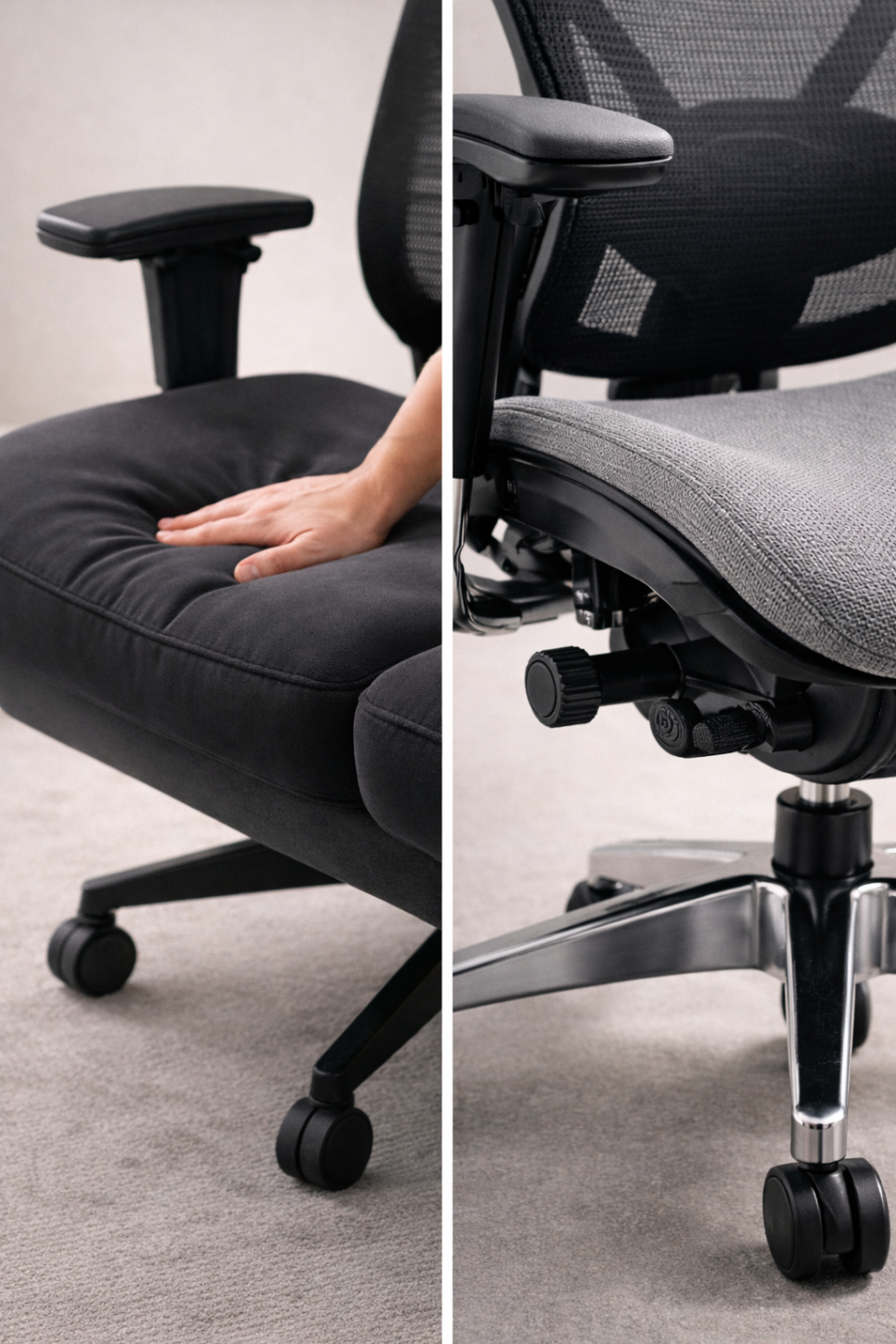
4. Sitting in a Fixed Posture All Day
The Core Problem: Ergonomic Chairs Expect Movement
Common failure pattern:
Holding a rigid posture for 2–4 hours without shifting
Locking the tilt mechanism and never using recline
Reporting "I don't feel any difference"
Why this happens: The best posture is the next posture. Dynamic tilt and recline systems aren't just for leaning back—they're designed to maintain support alignment as you shift position throughout the day. If you sit completely still, you're only using half the chair's engineering. Movement is the point.
5. Blaming the Chair for Workspace Problems
The Core Problem: Neck and Shoulder Pain Often Start with Your Monitor
Common failure pattern:
Experiencing worse neck or shoulder tension after upgrading the chair
Finding armrests "get in the way," then not using them
Concluding the new chair is making things worse
Workspace checkpoints:
Is your monitor top edge near eye level?
Are your keyboard and mouse within easy reach, not stretched out?
Does your desk height allow armrests to slide under without forcing your elbows up or down?
A chair provides the foundation for your lower body and torso, but upper body strain is driven by screen height, input device placement, and desk ergonomics. The chair alone can't fix a misaligned workstation.

6. Ignoring Body Fit Variables
The Core Problem: One Size Does Not Fit All, Even at the High End
Common failure pattern:
Seat pan too long, compressing the back of your thighs
Lumbar support positioned too high or too low, causing discomfort instead of relief
Backrest curvature mismatched to your spine, leaving upper back unsupported
Three key body variables:
Leg proportions (thigh length): Determines optimal seat depth
Hip width: Affects seat pan stability and side bolster fit
Spinal curvature (lumbar and thoracic): Dictates backrest contour compatibility
The same model that delivers "perfect support" to one person can feel like "constant pressure" to another. Fit is individual.
7. Thinking About Warranty and Service After the Sale
The Core Problem: Premium Chairs Are Long-Term Investments
Common failure pattern:
Not checking warranty terms, coverage scope, or claim process before purchase
Discovering parts are unavailable or repair turnaround is weeks long
Taking a financial hit on resale due to steep depreciation or lack of transferable warranty
What to verify: High-end chairs should come with robust after-sales support. Understand warranty duration, what's covered (and what's not), parts availability, and repair lead times. A chair is only as good as the service infrastructure behind it. Buy from a source that will still be there—and responsive—years from now.

How to Choose Without Regret: Test in Context, Not in Haste
Most chair-buying failures start with one mistake: deciding after a brief sit in a showroom. A few minutes of static sitting tells you almost nothing about how a chair will perform during hours of real work.
The smarter approach: test the chair in a way that simulates your actual use. Ideally, this means:
Sitting for at least 30–60 minutes, not 3
Mimicking your usual tasks—typing, mousing, reading, leaning back
Adjusting seat height, depth, lumbar, and armrests with guidance
Trying more than one model to feel the differences
If you can trial a chair at home or spend real time in a demo environment that mirrors your workspace, your odds of satisfaction go up dramatically.
What to Bring (or Share) When You Test
To get a truly useful recommendation or fitting session, provide four pieces of information:
Height and weight
Hours per day seated
Primary tasks (e.g., writing, coding, design, gaming)
Biggest complaint about your current chair
This context allows a knowledgeable fitter to narrow the field and configure the chair correctly from the start.
Final Takeaway
Premium ergonomic chairs fail when they're treated like luxury commodities—bought on reputation, tested briefly, and used with default settings in mismatched environments. They succeed when chosen with body fit in mind, adjusted properly, used dynamically, and supported by responsive after-sales service.
Don't buy on reviews alone. Don't skip the setup. And don't assume "expensive" means "perfect for me." Take the time to test contextually, and you'll find a chair that actually works—for your body, your work, and the long haul.
===BODY===

Furniblog may earn a commission from links in this post, at no extra cost to you. See our affiliate disclosure.