Why the Atlas Headrest Is Essential for Getting the Most Out of Your Steelcase Leap Chair
The aftermarket upgrade that fixes the Leap's biggest ergonomic blind spot
By the Furniblog Editorial Team·July 10, 2026·6 min read
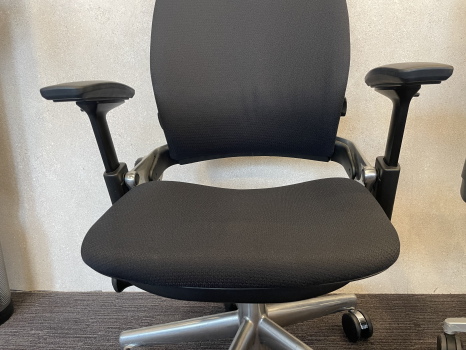
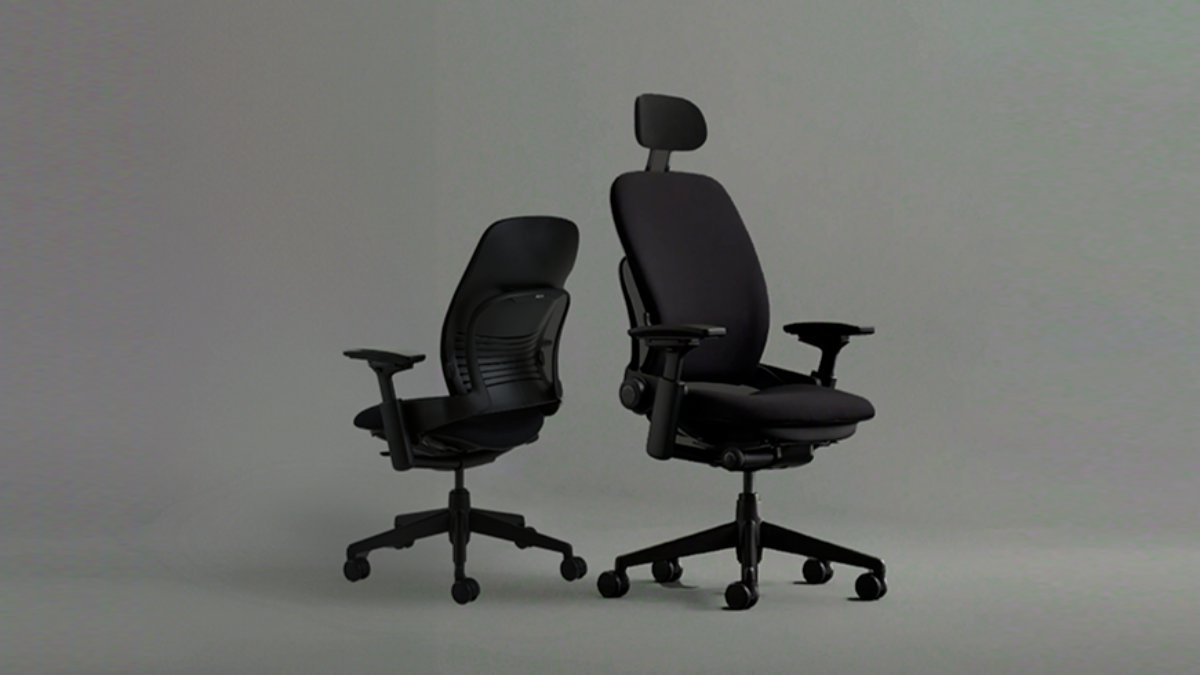
In the world of office seating, few chairs rival the legendary status of the Steelcase Leap V2. With its innovative LiveBack technology that moves with your spine and plush seat cushioning that users describe as "sitting on air," the Leap has earned its place alongside the Herman Miller Aeron as a gold standard in ergonomic task seating.
But even this 20-year icon has an Achilles' heel—and it sits right at the top of the backrest.
Today we're diving into why so many Leap owners bypass the factory headrest entirely and opt for the Atlas headrest upgrade, and what you need to know before making the switch yourself.
The Problem with the Stock Steelcase Leap Headrest
Why Your Neck Keeps Floating
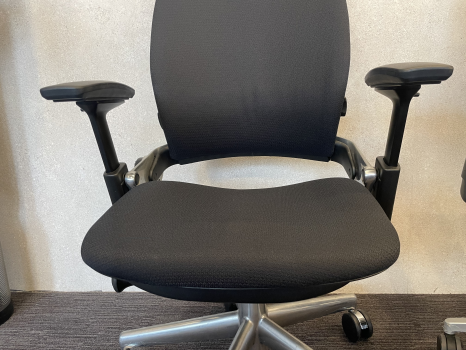
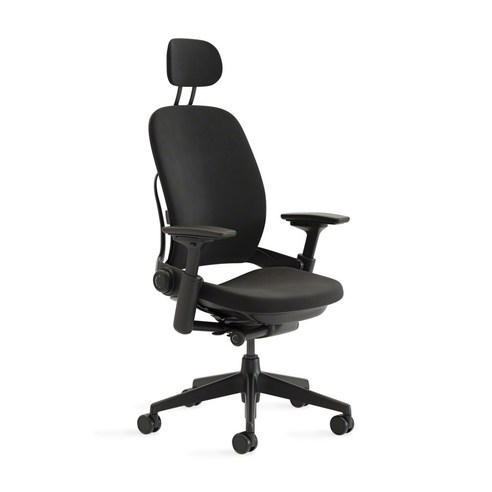
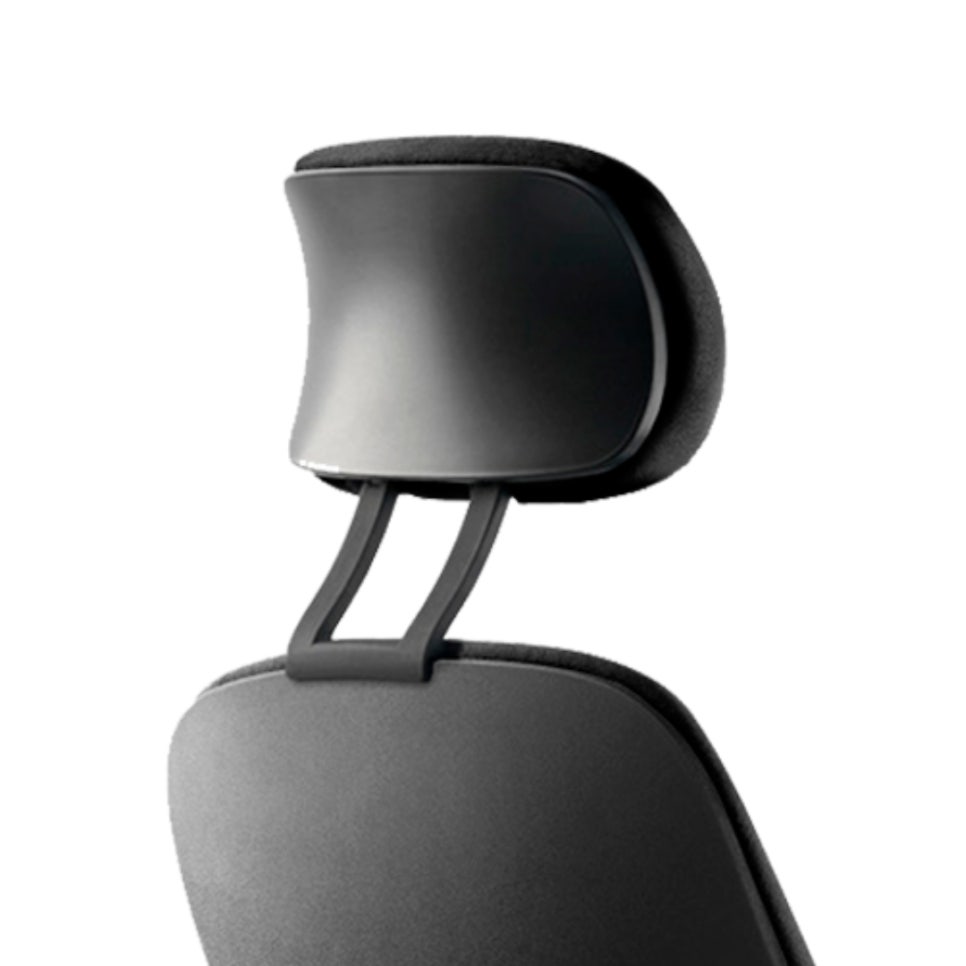
The Steelcase Leap's original headrest offers basic height adjustment—approximately 2.25 inches (about 6 cm) of vertical travel. That's it. There's no meaningful front-to-back depth adjustment, and that's where the trouble begins.
Here's why this matters: your head position changes dramatically depending on whether you're focused on a monitor or reclining. The stock headrest can't adapt to both scenarios.
When you're working upright: The headrest sits fixed several inches behind your neck, leaving a gap. Without support, you unconsciously crane your neck forward—a recipe for the dreaded forward head posture and eventual neck pain.
When you recline: As the LiveBack tilts backward, your head moves with it—but the headrest doesn't come forward to meet you. The gap remains, defeating the purpose of having neck support in the first place.
The result? Many experienced users simply order the Leap without a headrest and plan to customize later. Why pay for a component that doesn't deliver proper cervical support?
Enter the Atlas Headrest: Designed for the Leap V2
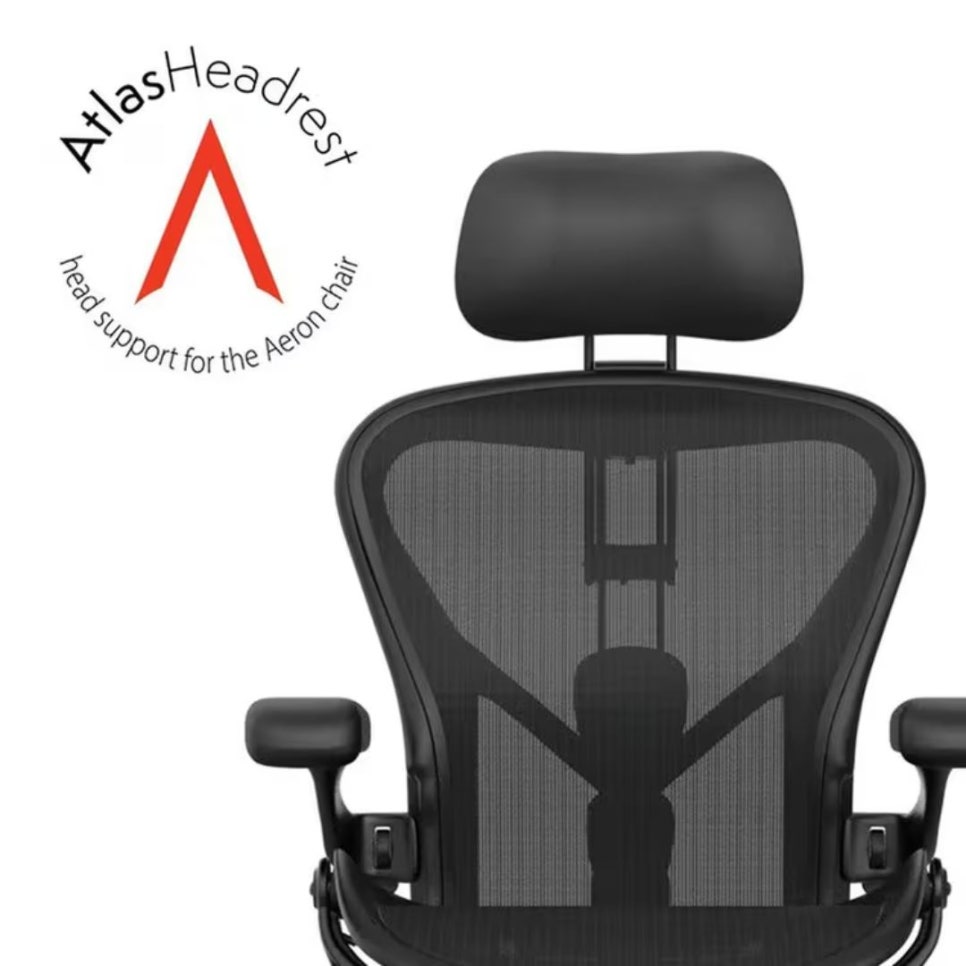
Atlas Headrest made its name solving a similar problem for Herman Miller chairs—offering aftermarket headrests for the Aeron and Embody that outperformed the factory options. When Atlas partnered with Crandall Office (a specialist in Leap refurbishment and parts) to create a Leap-specific headrest, the ergonomic community took notice.
Key Specifications at a Glance
Feature | Details |
|---|---|
Compatibility | Steelcase Leap V2 only (not V1) |
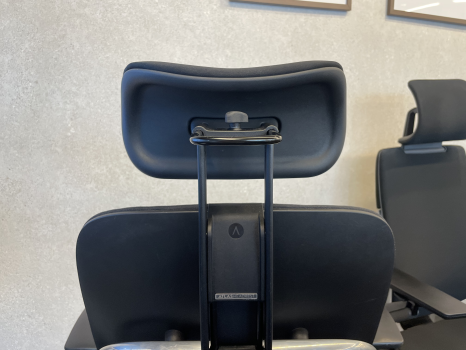
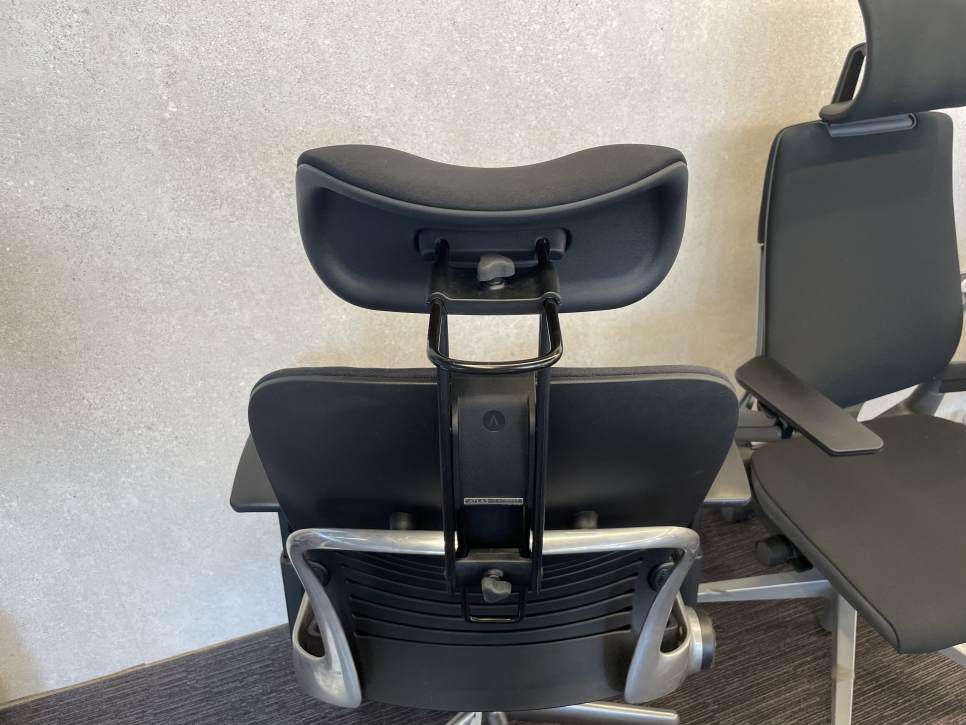
Adjustments | Height, depth (front-to-back), angle—three axes |
Installation | Tool-free, under 5 minutes |
Finish | Matched to Leap fabric and frame colors |
Manufacturing | Made in USA, built to order |
Price | Approximately $190 USD (plus shipping) |
What Makes the Atlas Different
The game-changer is depth adjustment. You can pull the headrest forward when working at your desk to cradle the natural curve of your cervical spine (the C-curve), then push it back slightly when reclining. This single degree of freedom solves the "floating neck" problem that plagues the stock headrest.
The second standout feature is aesthetic integration. Because Crandall Office has years of experience matching Leap upholstery and frame finishes, the Atlas headrest looks factory-installed rather than tacked on. It blends seamlessly with your chair's existing design language.
When you pair the Leap's stellar lumbar support with the Atlas headrest's cervical precision, you get a chair that truly supports your entire spine—from tailbone to skull.
Stock vs. Atlas: A Direct Comparison
Aspect | Stock Headrest | Atlas / Crandall Headrest |
|---|---|---|
Height adjustment | Yes (~6 cm range) | Yes (extended range) |
Depth adjustment | No | Yes—key differentiator |
Angle adjustment | Limited | Yes, multi-axis |
Upright posture support | Gap behind neck | Conforms to cervical curve |
Recline support | Head often unsupported | Adjusts to maintain contact |
Installation | Factory-installed | Tool-free, 5-minute attachment |
Finish matching | Perfect (OEM) | Very close (aftermarket OEM-quality) |
Before You Buy: Important Considerations
We believe in transparency, so here are the caveats you should know:
V2 compatibility only: This headrest is designed exclusively for the Steelcase Leap V2. If you own an original Leap (pre-2004), it won't fit without modification. Check your chair model before ordering.
Adjustment resistance: Some users report that fine-tuning the headrest mid-session can feel stiff. It's best treated as a "set it and forget it" component—dial it in once for your posture, then leave it.
Not 100% OEM: While the finish is impressively close to factory quality, it's still an aftermarket part. Over time, slight differences in wear patterns or fabric texture may become visible, especially under harsh lighting.
Price and availability: At around $190 USD plus international shipping, it's a significant investment. Some DIY enthusiasts have adapted Aeron-compatible Atlas headrests using 3D-printed brackets, but this approach voids warranties and isn't officially supported.
Bottom line: If front-to-back depth adjustment is a priority for your neck health, the Atlas headrest delivers meaningful value. Just set your expectations as a high-quality functional upgrade rather than a flawless factory-original component.

Why Cervical Support Matters as Much as Lumbar
Your head weighs roughly 10–12 pounds—about the same as a bowling ball. When that weight isn't properly supported, your neck and shoulder muscles bear the full load, leading to tension headaches, upper back pain, and long-term postural dysfunction.
The Leap's LiveBack technology does an excellent job supporting your thoracic and lumbar spine. But without proper cervical support, the kinetic chain breaks down. Fatigue creeps in earlier, focus suffers, and discomfort builds over the course of a long workday.
The Atlas headrest completes the picture. It transforms the Leap from a chair with world-class lower-back support into a chair with full-spine support—the kind of setup that lets you work comfortably for 8, 10, or even 12 hours straight.
Is the Atlas Headrest Right for You?
Consider upgrading if:
You frequently experience neck or upper shoulder tension after long desk sessions
You've been disappointed by the stock Leap headrest's limited adjustability
You're choosing between the Leap and the Aeron primarily based on headrest quality
You already own a "headrest-less" Leap V2 and want to add premium neck support
You might skip it if:
You rarely use a headrest or prefer not to recline
You own a Leap V1 (compatibility issue)
Budget is tight and the stock option is "good enough" for your needs
Final Thoughts: Completing the Leap
The Steelcase Leap V2 is one of the finest task chairs ever made. Its LiveBack, adjustable lumbar, and generous cushioning have earned it a permanent spot on every "best office chair" list for good reason.
But greatness can always be refined. The Atlas headrest addresses the one area where the Leap falls short, giving you the same level of precision at the top of your spine that you already enjoy at the bottom.
If you spend your days at a desk and your neck knows it, this upgrade is worth serious consideration. Your cervical spine will thank you—and your focus, comfort, and long-term posture will benefit in ways you'll feel every single day.
For more guidance on choosing and outfitting ergonomic task chairs, explore our Steelcase Think V2, Herman Miller Aeron, and Steelcase Gesture reviews.

Furniblog may earn a commission from links in this post, at no extra cost to you. See our affiliate disclosure.