Why Your Office Chair's Lumbar Support May Be Causing Back Pain—And How High-End Chairs Solve It
The surprising reason fixed lumbar supports hurt, and why premium chairs support your pelvis instead
By the Furniblog Editorial Team·July 10, 2026·6 min read
The Paradox: Removing the Part That's Supposed to Help Your Back
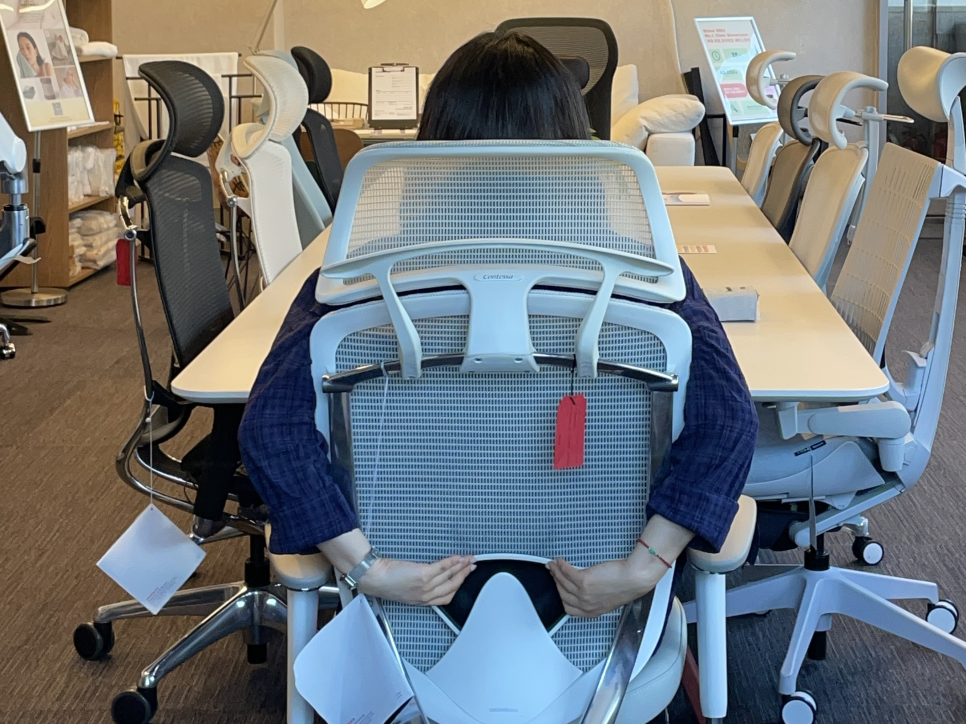
If you spend time in office chair communities, you'll notice a recurring complaint: "I loved my chair at first, but now my back hurts." The ending is almost always the same—users stuff tissue behind the backrest to soften the pressure, rotate the lumbar pad 90 degrees to disable it, or remove it entirely.
It's an irony worth examining: people buy chairs specifically for back support, then remove the very component designed to provide it. The keyword "how to remove chair lumbar support" consistently ranks among the most-searched terms by frustrated users looking to upgrade from budget chairs to premium ergonomic models.
So why does a part meant to support your lower back end up causing pain?
The Problem with Fixed, Rigid Lumbar Pads
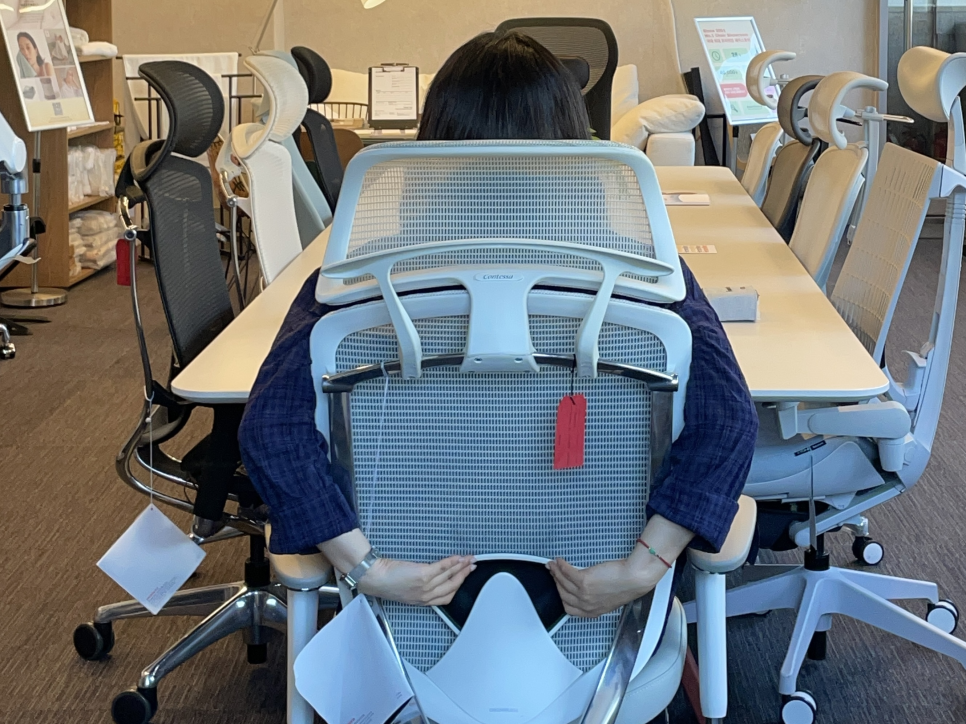
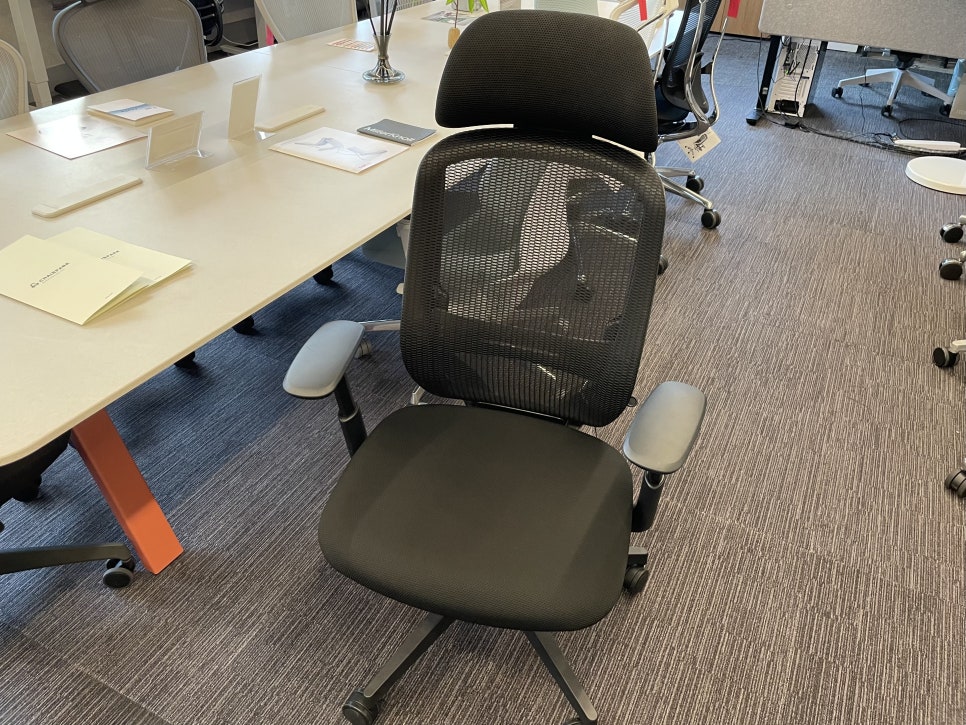
Most budget and mid-range office chairs use a fixed, rigid lumbar support—a firm cushion or plastic-backed pad that pushes forward at one point against your lumbar spine (lower back). If the height and curve happen to match your body perfectly, it feels supportive. But if the fit is even slightly off, that "support" becomes a pressure point that digs into your back hour after hour.
Common Symptoms from Online Communities
"It felt fine at first, but after an hour the support spot starts to hurt."
"No matter how I adjust the height, I can't find the right position."
"I find myself sliding forward and slouching just to avoid the lumbar pad."
These aren't just comfort complaints. From an ergonomic standpoint, a poorly positioned lumbar support can force an unnatural spinal curve, making your posture worse rather than better. When the pad presses the wrong part of your spine, it can increase disc pressure and muscle fatigue instead of relieving it.
The result? DIY fixes flood the forums—users pad around the support to create relief, or simply remove it and go without.
The Real Fix: Support the Pelvis, Not Just the Lumbar Spine
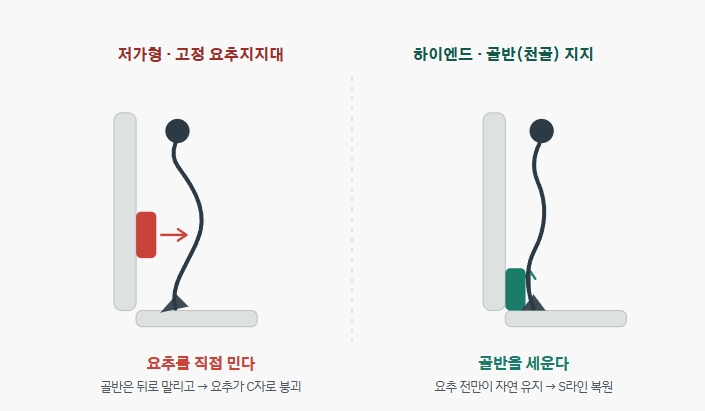
Research from companies like Herman Miller reveals the root of the issue: poor posture starts at the pelvis, not the lumbar spine. Your pelvis connects to the sacrum (the triangular bone at the base of your spine), which in turn connects to your lumbar vertebrae. When your pelvis tilts backward—often because your backrest doesn't provide enough support—your lumbar spine collapses into a C-shaped curve (kyphosis). This is the position that compresses discs and strains muscles.
The key insight: if you stabilize the pelvis and sacrum first, the lumbar spine's natural inward curve (lordosis) follows naturally. You don't need to push the lumbar forward artificially; you need to keep the foundation—the pelvis—upright.
In short: "Unconditional support" isn't the answer. "Support in the right place" is. A misaligned lumbar pad can be worse than none at all.
How Premium Ergonomic Chairs Approach Back Support Differently
High-end chair makers address the fixed-pad problem in three main ways: they lower the support focus to the pelvis and sacrum, they allow extensive customization of height, depth, and curvature, or they eliminate fixed pressure points entirely by letting the backrest move with you. Here's how leading models execute these strategies.
1. Herman Miller Aeron – PostureFit SL
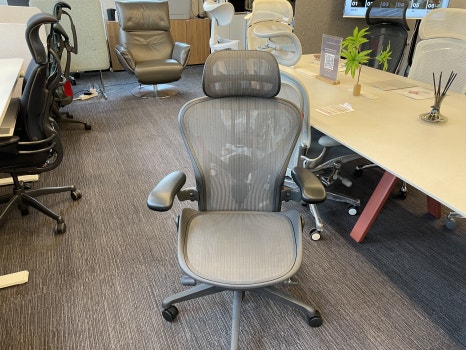
The Herman Miller Aeron uses two separate pads—one for the sacrum, one for the lumbar region—with adjustable tension rather than a fixed position. Instead of pushing your lower back forward, PostureFit SL stabilizes your pelvis first, allowing your spine to maintain its natural S-curve even as you shift positions. The support is active and responsive, not static.
2. Okamura Sylphy and Contessa II
Both the Okamura Sylphy and Contessa II offer 60mm of lumbar height adjustment, plus a back curve adjustment mechanism that changes the curvature of the entire backrest. The result is a backrest that wraps around your spine rather than poking a single point. Some Sylphy configurations also include forward tilt, further personalizing the fit.
3. Itoki ACT2 – Dual-Point Lumbar and Pelvic Support
The Itoki ACT2 supports both the pelvis and lumbar spine simultaneously, guiding your spine into a natural S-shape. Its lumbar pad adjusts across 60mm in seven steps, and the backrest flexes to follow your movements. It's one of the most anatomically faithful designs available—often praised for its uncompromising, no-frills ergonomic excellence.
4. Kokuyo Ing Cloud – Dynamic, Pressure-Free Support
The Kokuyo Ing Cloud takes a radically different approach: instead of a fixed lumbar pad, it uses a triple-gliding mechanism (seat, backrest, and armrests move independently) and a frameless 3D mesh backrest that redistributes pressure as you move. There's no single pressure point to dig in, so discomfort from a misaligned support simply doesn't occur. Many users report it as the most comfortable chair they've ever sat in.
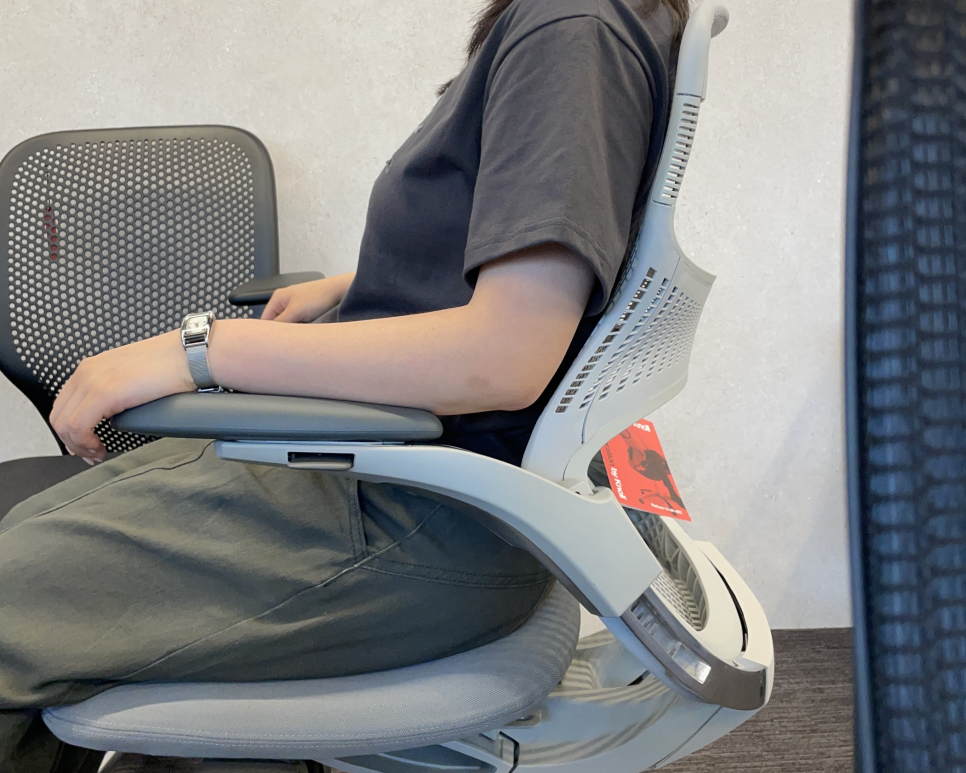
5. Knoll Generation – Continuous Lumbar via Flex Back
The Generation by Knoll integrates lumbar support into the backrest structure itself using a frameless, high-elasticity Flex Back that wraps around your torso. The "Continuous Lumbar" design extends support into the armrests, so even if you sit at an angle, your lower back remains cradled. There's no protruding pad—just adaptive, all-encompassing support. Visitors with chronic back pain frequently cite this chair as the most immediately comfortable.
What About More Affordable Chairs?
To be clear, not all non-premium chairs are problematic. Many well-engineered mid-range models offer adjustable lumbar height and depth, forward tilt, and quality materials. For users whose body type matches the chair's geometry, satisfaction can be very high.
The limitation is structural: these chairs typically still use a firm, fixed-position lumbar pad. If your spine doesn't align with that pad, the firmness that supports one person becomes painful pressure for another. This is why "lumbar support removal" remains one of the most common modifications in user forums.
The fundamental issue is unpredictability. Great fit = great value. Poor fit = ongoing discomfort. And you usually can't know which until you've lived with the chair for weeks.
Three Warning Signs Your Lumbar Support Isn't Working
If any of these apply to you, the lumbar pad may be positioned incorrectly for your body:
Localized pain after 30–60 minutes – The support feels like it's digging into one spot.
No "right" height setting – You've tried every adjustment, but nothing feels natural.
You slouch to avoid the pad – You catch yourself sliding forward or rounding your back to escape the pressure.
Important: If pain persists for weeks, or if you experience leg numbness, tingling, or radiating pain, consult a medical professional. Chairs support good posture—they don't treat injuries or conditions.
The Bottom Line: "Lumbar Support Included" Isn't Enough
A spec sheet that lists "adjustable lumbar support" tells you almost nothing about whether that support will work for your body. What matters is whether the support adapts to your pelvis and spinal curve—and whether it can respond when you move.
Premium chairs from Herman Miller, Okamura, Itoki, Kokuyo, and Knoll aren't just more expensive—they're engineered around different support philosophies: pelvic stabilization, adaptive backrests, multi-zone adjustment, and pressure redistribution. These aren't luxuries; they're solutions to the single-point pressure problem that plagues so many conventional designs.
If you've been through the cycle of buying a chair, suffering through break-in pain, then either living with discomfort or modding the chair to make it tolerable, it's worth experiencing the difference in person. Try sitting in an Aeron, Contessa II, ACT2, or Ing Cloud back-to-back. Your lower back will tell you immediately which design works.
The right lumbar support doesn't announce itself. It simply disappears—and your back thanks you for it.
Furniblog may earn a commission from links in this post, at no extra cost to you. See our affiliate disclosure.