Why Your Shoulders Still Hurt Even in a Herman Miller Aeron: The 75cm Desk Problem
The real culprit behind neck pain isn't your chair—it's your desk height
By the Furniblog Editorial Team·July 10, 2026·4 min read

If you've invested in a premium ergonomic chair like the Herman Miller Aeron but your shoulders and neck still ache after eight hours at your desk, the chair probably isn't to blame. The real culprit? Your desk height.

The 75cm Desk Standard: Who Is It Actually For?
Most computer desks and gaming desks sold today have a fixed height of 72–75cm. This measurement has become an unquestioned industry standard, but it's fundamentally mismatched to the average person's body.
South Korea's Ministry of Health and Welfare publishes recommended ergonomic formulas for workstation setup:
Chair height = Height × 0.23
Desk height = Chair height + Height × 0.18 (≈ Height × 0.41)
Based on positioning the work surface approximately 5cm above elbow height
When we apply this formula to average adult heights (172.5cm for men, 159.6cm for women according to Size Korea anthropometric data), the mismatch becomes clear:
User Height | Recommended Desk Height | Standard Desk |
|---|---|---|
159.6cm (avg. woman) | ~65cm | 72–75cm |
172.5cm (avg. man) | ~71cm | 72–75cm |
180cm | ~74cm | 72–75cm |
The standard 75cm desk is only appropriate for someone around 175–185cm tall. For everyone else—which is most people—the desk forces compromised posture.
What Happens With a Desk That's Too High
When your desk is too high relative to your seated elbow height, you're forced to shrug your shoulders upward to reach the keyboard and mouse. Even if you've carefully adjusted your chair's armrests, this elevated shoulder position persists throughout the workday, leading to:
Chronic trapezius muscle tension
Neck and upper back pain
Shoulder fatigue and stiffness
No amount of lumbar support or recline tension adjustment can fix a postural problem created by incorrect desk height. Your Steelcase Gesture or Herman Miller Embody can't overcome a fundamental workspace mismatch.
The "Raise the Chair" Trap
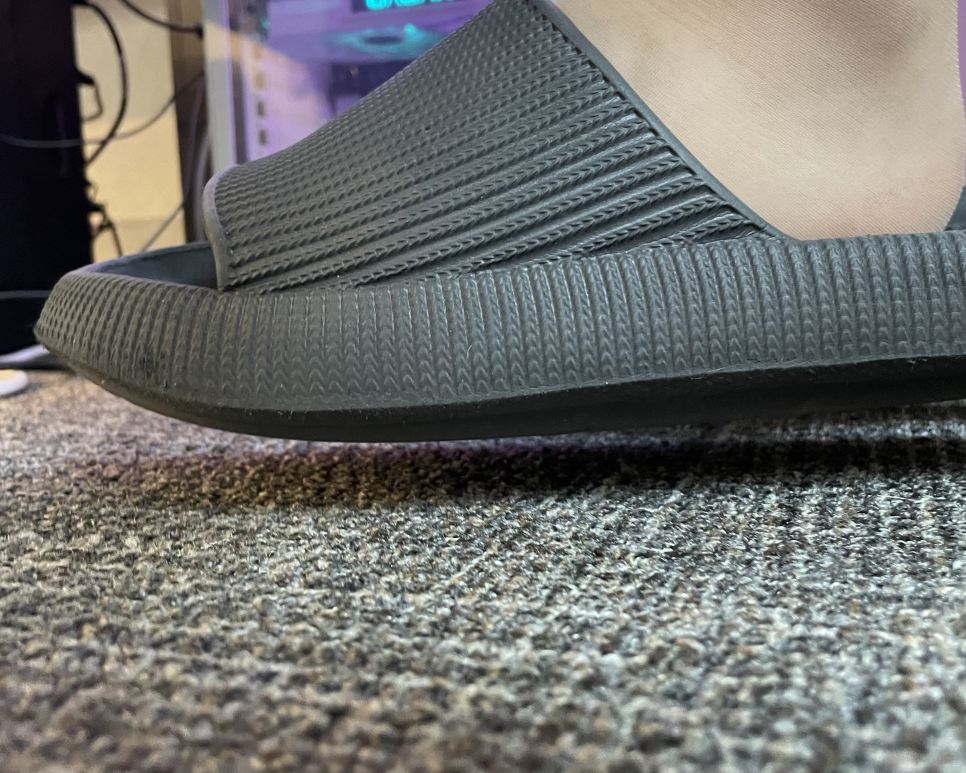
Many people try to solve the shoulder problem by raising their chair to match the desk height. This does bring the armrests level with the work surface and relieves shoulder elevation—temporarily. But it creates a cascade of new problems.
When you raise your chair too high for your stature, your feet no longer rest flat on the floor. This seemingly minor issue triggers serious consequences:
Weight distribution shifts entirely to your buttocks and rear thighs
Seat pan front edge presses into the back of your knees (popliteal area)
Blood circulation to your lower legs becomes restricted
Pelvic stability is compromised without foot support
The result: leg numbness, swelling, and often lower back pain. You've traded shoulder relief for leg and spine problems. This is why raising your chair to match an ill-fitting desk is just "robbing Peter to pay Paul."
Two Real Solutions to the Desk Height Problem
To break free from this ergonomic bind and actually get the full benefit of your premium task chair, you need to address the desk height issue directly. Here are the two proven approaches:
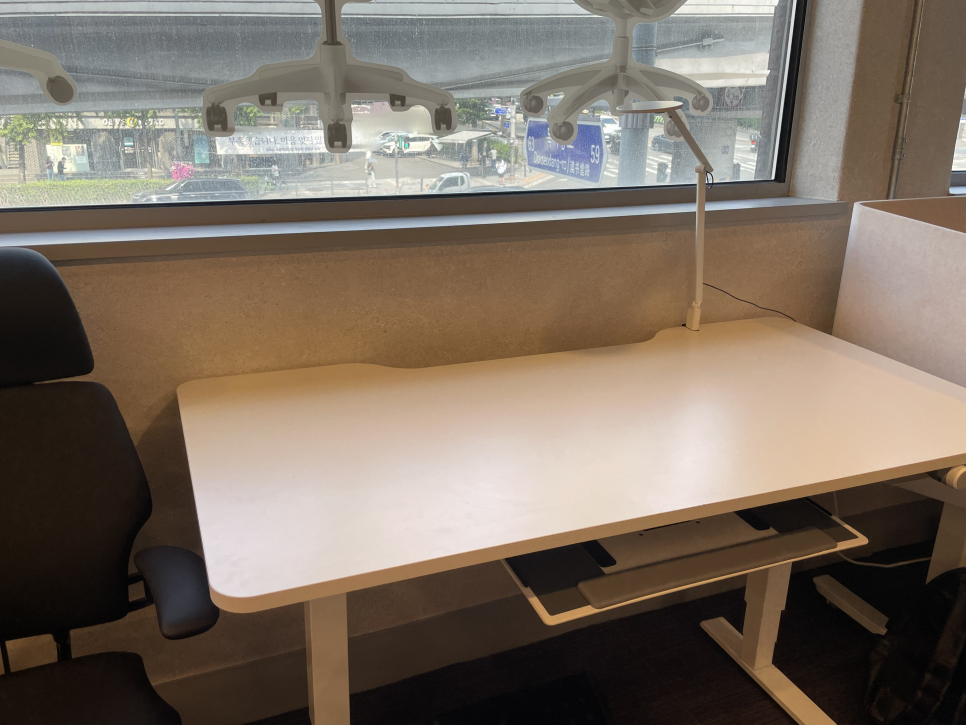
Best Solution: Height-Adjustable Desk
A sit-stand desk or electric height-adjustable desk gives you complete control over your workspace geometry. Here's the proper setup sequence:
Adjust your chair first: Set the seat height so your feet rest completely flat on the floor with your knees at approximately 90 degrees. This is based on your body, not the desk.
Lower the desk to match: Adjust the desk height until the surface is level with your chair's armrests (when your elbows are at 90 degrees). For average-height users, this typically lands around 65–68cm.
Fine-tune: Your forearms should rest on the armrests or desk surface without lifting your shoulders or bending your wrists.
When the armrests and desk surface align horizontally, shoulder and wrist tension disappears almost instantly. This is proper ergonomic alignment.
Budget-Friendly Alternative: Hard-Surface Footrest
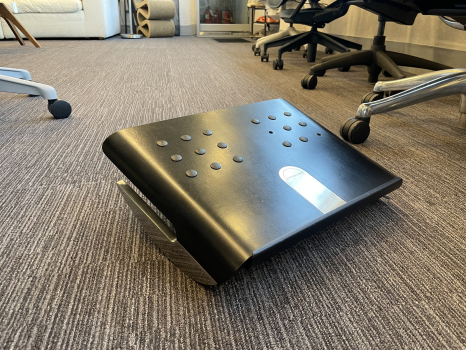
If replacing your desk isn't feasible, the "community standard" workaround is a sturdy footrest. This approach inverts the solution:
Raise your chair to the height where armrests align with your desk surface (relieving shoulder elevation)
Add a footrest underneath to support your feet and restore proper knee and hip angles to 90 degrees
Critical: Use a hard, stable footrest made from wood or rigid plastic. Soft, cushioned footrests lack the structural support needed to maintain pelvic alignment. In a pinch, you can test the concept by stacking hardcover books to the right height.
The Chair + Desk Equation
Ergonomic task chairs from brands like Steelcase, Humanscale, and Haworth are engineered to support your body—but only when paired with appropriately sized furniture and properly configured workstations.
An ergonomic chair in isolation cannot compensate for:
Desks that are too high or too low
Monitors positioned incorrectly
Mismatched furniture proportions relative to your body dimensions
True ergonomic comfort comes from the system: chair height, desk height, monitor position, and your individual anthropometry all working in harmony.
Get Your Setup Right
If you've been troubleshooting persistent discomfort despite owning a quality ergonomic chair, measure your current desk height and calculate your ideal height using the formula above. The discrepancy may be larger than you think.
Whether you choose a height-adjustable desk or a footrest solution, correcting this fundamental mismatch will unlock the ergonomic performance you paid for—and finally give your shoulders, neck, and back the relief they need.

Furniblog may earn a commission from links in this post, at no extra cost to you. See our affiliate disclosure.